A wellness check, in the context of a safety app, is a scheduled daily confirmation that a person living alone is okay, sent as a phone notification and answered with one tap. Miss that tap, and the system alerts your chosen contacts after a set grace period. Well-Check builds this exact model, pairing daily check-ins with missed-alert notifications, medication reminders, and an emergency contact network. The rest of this article covers how that system works, who actually needs one, how to set it up right, and what happens after an alert fires.
TL;DR:
- Wellness check apps are most effective when check-in times match the individual’s routine, and regular drills confirm contact responsiveness.
- Escalation sequences should include direct contact attempts, local responders, and emergency services if no response occurs within set grace periods.
- Using the system with zero human backup, stale contact information, or uncharged devices can cause false alarms or missed alerts, compromising safety.
- Apps like Well-Check prioritize one-tap check-ins, quick setup, and features like medication reminders and GPS tracking to simplify daily use for seniors.
- A comprehensive safety strategy combines daily wellness checks with medical alert systems for those with known health risks or cognitive decline.
Table of Contents
- How does a wellness check app actually work?
- Who actually needs a wellness check app?
- Setting up a wellness check that actually works when it counts
- Who responds when a check is missed, and what they should do
- Where wellness checks fall short
- Why Well-Check builds it this way
- Get a wellness check system that matches this definition
- Sources
How does a wellness check app actually work?
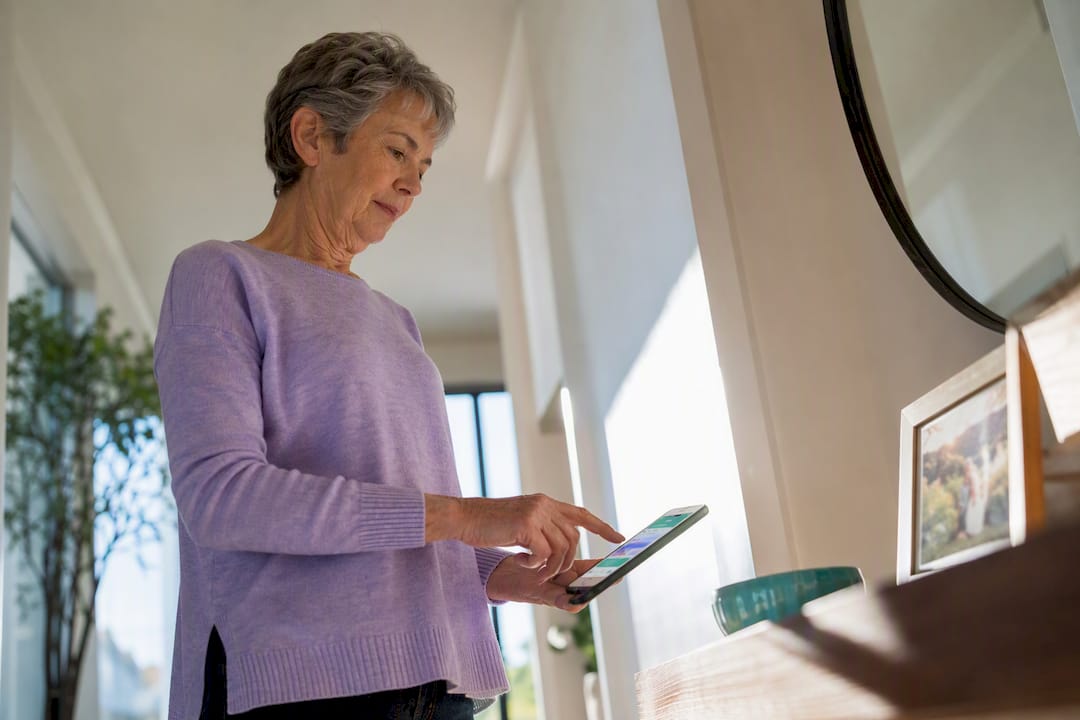
Every morning (or at whatever time you set), the app sends a notification asking a simple question: are you okay? The person taps “I’m okay,” and that’s it, the day’s check is logged. No forms, no calls, no friction.
The mechanics that matter happen when the tap doesn’t come. A daily wellness check app typically holds a grace period, often ranging from 30 minutes to a few hours depending on how it’s configured, before treating a missed confirmation as something worth escalating. That delay matters. Nobody wants a panicked phone call because Grandma was in the shower.
Once the grace period expires, the alert goes out. A typical notification includes:
- The time of the missed check and how long it’s been outstanding
- The person’s name and last known status
- A direct link or number to call the person first
- Contact info for the next person in the escalation order
Notification channels usually include push alerts, text messages, and email, sent in whatever combination the family sets up. Beyond the core loop, most apps layer on optional features: medication reminders that nudge at dose times, GPS location sharing for context during an alert, and in some cases passive activity monitoring that flags unusual silence in phone usage. Well-Check adds smart caregiver analysis on top of that, so patterns, not just single missed checks, inform when something might be off.
Who actually needs a wellness check app?
Seniors living alone are the obvious fit, but they’re far from the only ones. Anyone whose safety depends on someone noticing silence quickly can benefit.
- Seniors living independently, especially those without a spouse or roommate nearby to notice a bad morning.
- Adult children managing care from a distance, who need visibility without calling every day.
- People who refuse wearables, since a phone tap requires no device to strap on or charge separately.
- Anyone living alone temporarily, including recovering patients, remote workers, and relocated retirees, since check-in systems aren’t exclusive to seniors.
A wellness app fits when the person is cognitively capable of tapping a button and the household wants a low-friction daily signal. It’s the wrong tool alone for someone with a documented fall risk, a serious cardiac condition, or advancing dementia. Those situations call for a monitored medical alert system with fall detection and a live dispatch center. Many families layer both: a daily check-in for routine reassurance, and a medical alert device for the moments a phone in another room won’t help.
Setting up a wellness check that actually works when it counts
A wellness app is only as reliable as its configuration. Skip a step here and the whole point of the system, catching a problem fast, falls apart.
- Pick a check-in window that matches real routine. A night owl who sleeps until 10 a.m. shouldn’t get an 8 a.m. prompt; you’ll train them to ignore it.
- Add contacts and rank them. List at least two people, ideally three, in the order they should be reached.
- Include one local responder. A neighbor, nearby relative, or paid check service who can physically get to the door matters more than any app feature.
- Set the grace period and escalation order. Decide how long to wait before the first alert fires, and who gets notified next if nobody responds.
- Turn on medication reminders and GPS sharing if they’re relevant, most families find both useful once configured, not intrusive.
- Run a test drill. Have the person miss a check on purpose and confirm every contact actually receives the alert.
- Revisit the contact list every few months. Phone numbers change, neighbors move, and an outdated escalation chain is worse than none, because it creates false confidence. Regular drills and updated contacts are standard recommended practice among caregiver guidance resources.
Pro Tip: Schedule your test drill for the same day each month, right after you pay bills or do another routine task. Tying it to an existing habit means it actually happens instead of getting forgotten for a year.
Who responds when a check is missed, and what they should do
An alert that nobody acts on is just noise. Practitioners who work with families on safety planning warn that a notification without a response plan often raises anxiety more than it solves anything, since the family is left staring at a phone with no next move. That’s the gap a good escalation sequence closes.
A workable order looks like this:
- Step one: the app attempts a follow-up notification or call to the person directly.
- Step two: the highest-priority contact calls the person’s phone and home line if one exists.
- Step three: the nearest contact, a neighbor, or a local responder physically checks in.
- Step four: if there’s no response and no visual confirmation of safety, someone calls emergency services.
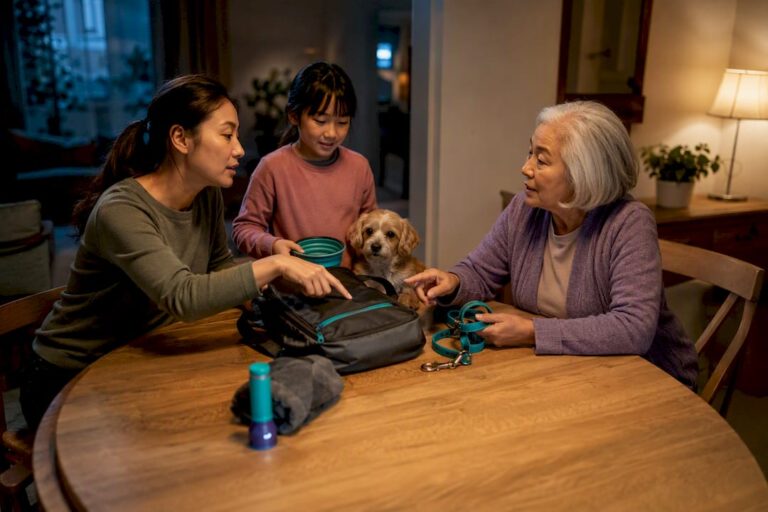
The in-person responder needs a plan too, not just an address. Knock first, call out, and use a spare key or landlord contact if there’s no answer. Check for obvious signs of distress before assuming the worst. If anything looks wrong, call EMS immediately rather than waiting for another round of texts. Caregiver checklists for in-person visits, including what to check when someone missed a scheduled contact, are worth reviewing with every listed contact, not just the primary one. Write the plan down and share it with everyone in the chain, including the local responder, so nobody is improvising during an actual emergency.
Where wellness checks fall short
No app catches everything, and pretending otherwise sets families up for a bad surprise. A dead phone battery, a device left in another room, or a software glitch can trigger a false alarm that scares everyone for nothing.
The opposite failure is worse. Someone with cognitive decline may forget to tap the button, or may refuse to use the app at all, producing a false sense of safety on days nothing actually gets logged. Phone-based check-in systems notify family, not dispatchers, so the family still needs a real plan for what happens next.
Avoid these common mistakes:
- Relying on the app with zero human backup nearby
- Letting the phone’s battery or permissions lapse unchecked
- Leaving contact info stale after someone moves or changes numbers
- Assuming passive monitoring reacts as fast as an active tap, when it typically flags unusual silence over hours, not seconds
Why Well-Check builds it this way
We built Well-Check around one idea: a check-in should be so easy that a senior actually does it every day, not something they dread or forget. That’s why the interface leans on one tap, not a form or a menu.
The feature set follows from that same logic. Daily check-ins, medication reminders, missed-check alerts, and GPS tracking all exist because families told us a single missed tap isn’t useful without context and without someone getting notified fast. Smart caregiver analysis came from watching how families actually use the app, not from a spec sheet. Every feature ties back to the same question: does this make the check-in easier for the senior and the response faster for the family, without turning either side’s phone into a chore?
— Brian
Get a wellness check system that matches this definition
Well-Check is built to match everything this article just described, not as a rough approximation, but as the actual product. You get daily check-ins with one-tap “I’m okay” confirmations, missed-check alerts that reach your emergency contact network, medication reminders, GPS tracking, and smart caregiver analysis that learns patterns over time.
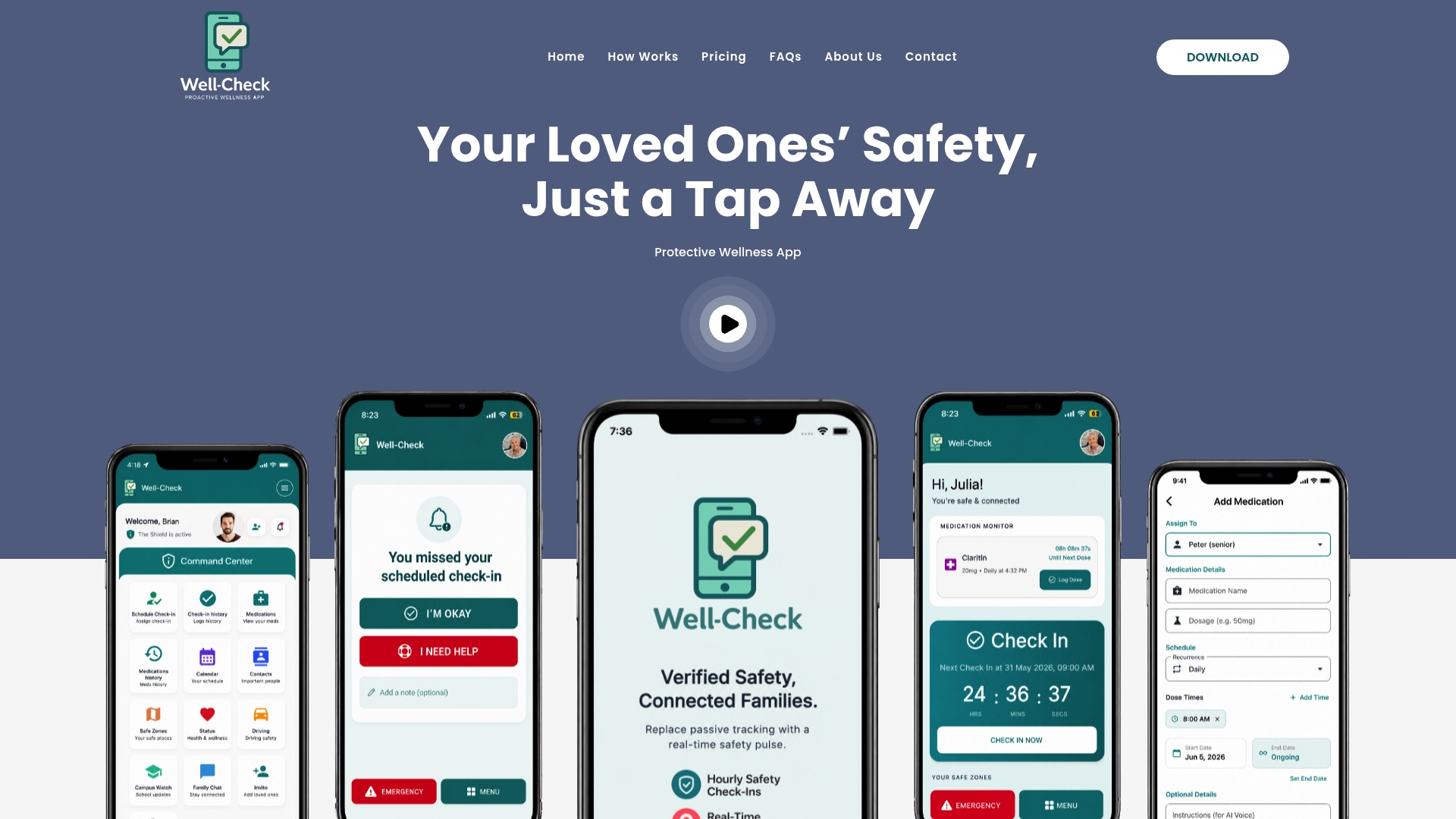
Setting it up takes less time than writing out a paper contact list by hand, and the how it works page walks through the exact configuration steps covered above: contacts, grace periods, and escalation order. If you’re ready to see what fits your family’s routine, check the pricing plans for individual, professional, and organization tiers, or head straight to the Well-Check homepage to start a trial today.
Sources
A few outside resources are worth bookmarking alongside your escalation plan:
- Daily Wellness Check App for Adults Who Live Alone
- Phone activity monitoring apps for seniors: how they work
- A Home Blood Pressure Measurement Checklist That Works

[…] 30-minute grace period matters because older adults often run a few minutes behind for ordinary reasons: a shower, a phone […]