The most reliable daily check-in combines a one-tap “I’m okay” confirmation with a handful of short, targeted prompts and a clear escalation plan for missed responses. Apps like Well-Check are built around that exact workflow, pairing one-tap check-ins with medication reminders, missed-check-in alerts, emergency contacts, and GPS. Below, you’ll find ready-to-use questions and a step-by-step setup you can finish in one sitting.
TL;DR:
- Keep daily prompts to three categories or fewer, use concrete questions, and repeat identical wording for people with cognitive or visual impairments.
- Start with a morning safety check and medication reminders; add prompts after discharge, medication changes, or a fall, with a 30 minute grace period.
- Escalate gradually: send a reminder 15 to 30 minutes later, notify family after 60 to 90 minutes, then use a call chain or emergency services.
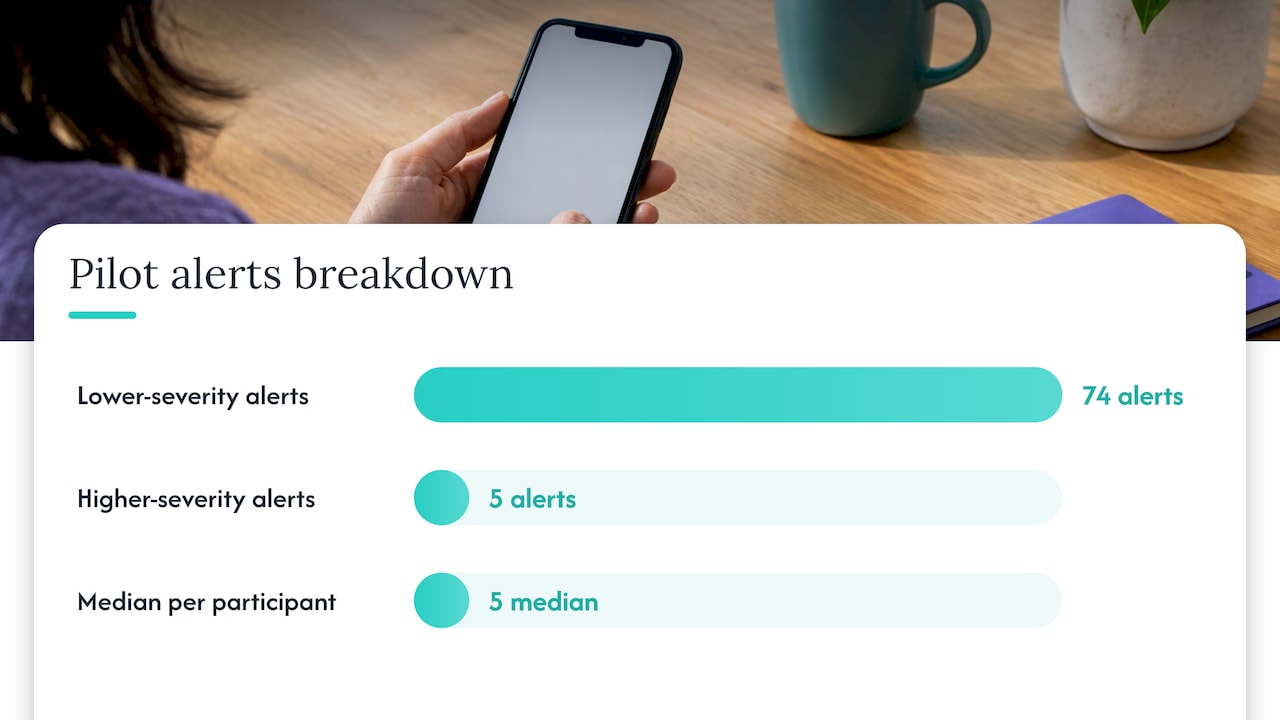
- In one pilot, 74 of 79 alerts were minor; scheduled tests and named responders help caregivers distinguish routine alerts from emergencies.
- Limit location sharing to emergencies, set data retention limits, and create private opt out zones, such as bedrooms, to preserve the older adult’s control.
Table of Contents
- 1. Sample Check-In Questions Grouped by Purpose
- 2. How Often Should You Schedule Check-Ins?
- 3. What Happens When a Check-In Is Missed?
- 4. Protecting Privacy and Dignity in Daily Monitoring
- 5. Onboarding That Actually Gets Used
- Finding the Balance Between Safety and Independence
- Getting Started With Well-Check
- FAQ
- Sources
1. Sample Check-In Questions Grouped by Purpose
Short, binary prompts work better than open-ended ones because they respect an older adult’s time and cognitive load while still catching real problems. Group your questions by purpose so you’re not asking the same thing five different ways.
- Safety: “Are you okay right now?” or “Did you fall today?”
- Medication: “Did you take your morning pills?” or “Do you need a refill this week?”
- Mobility: “Did you walk today?” or “Any trouble standing up?”
- Mood and social: “Are you feeling okay emotionally?” or “Did you eat today?”
- Appointments: “Do you need a ride today?” or “Are you ready for your appointment?”
Each category covers a different risk. A missed meal or a skipped walk rarely triggers a 911 call on its own, but a pattern of “no” answers across categories tells a caregiver something has shifted. Keep the phrasing concrete rather than abstract: “Did you eat breakfast?” works better than “How’s your appetite?” because it asks for a fact, not a judgment.
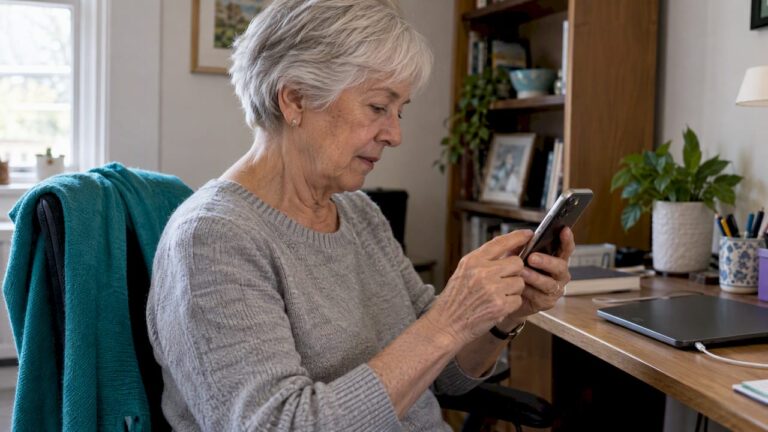
For users with cognitive or visual impairment, repeat the same wording every day instead of rotating phrasing, and keep buttons large with high contrast. A study on older adults and app usability found that older adults reliably perform single, concrete tasks like pressing a green “I’m okay” button or tapping “Need help,” while multi-step or ambiguous prompts raise the chance of a skipped check-in entirely.
Pro Tip: Pick no more than three categories per day. A check-in with ten questions gets abandoned by week two.
2. How Often Should You Schedule Check-Ins?
Most families start with one morning check plus any medication-linked or activity-linked prompts throughout the day. That baseline works for someone who’s stable and mostly independent.
- Baseline: one morning safety check, plus medication reminders tied to dosing times.
- Increase frequency after a hospital discharge, a new medication, or a recent fall.
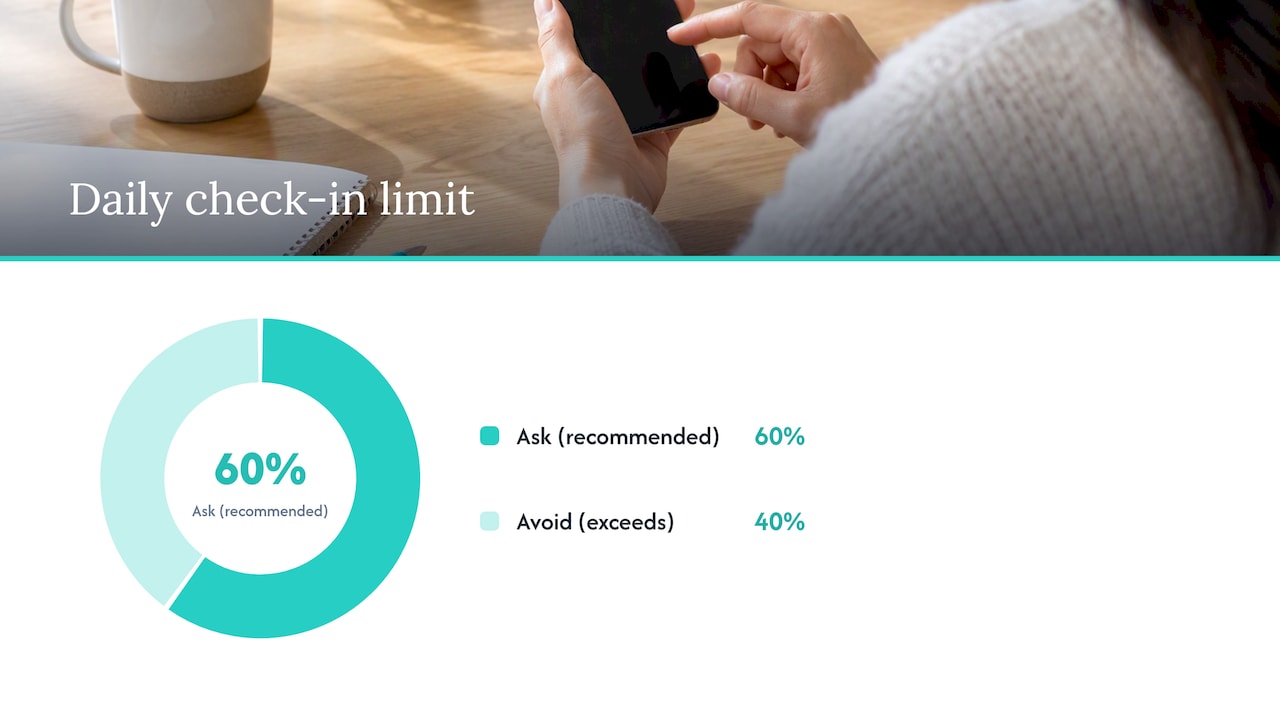
- Grace period: give a 30-minute window past the scheduled time before anything escalates.
- Sample schedule: 8:00 AM safety check, 8:15 AM medication prompt, 12:00 PM mobility check, 6:00 PM mood and meal check.
The 30-minute grace period matters because older adults often run a few minutes behind for ordinary reasons: a shower, a phone call, a slow morning. Treating every late response as urgent trains both the senior and the family to ignore alerts. For guidance on when daily checks are overkill and when they should tighten up, this breakdown of check-in frequency walks through common scenarios.
3. What Happens When a Check-In Is Missed?
A good escalation plan has tiers, so a slow morning doesn’t trigger the same response as a genuine emergency. Build it in stages:
- Automated reminder: a gentle push notification or second prompt sent 15 to 30 minutes after the missed check-in.
- Family notification: if there’s still no response after roughly 60 to 90 minutes, the primary caregiver or a backup contact gets alerted.
- Emergency escalation: if the higher-severity timer runs out with no contact at all, the plan moves to a phone call chain or local emergency services.
This mirrors how existing programs are built. Illinois’ Emergency Home Response Service provides a 24-hour emergency communication link for older adults living alone, and the state reported a substantial average monthly caseload of participants in FY21, a scale that shows this kind of tiered response is a proven public program model, not a novelty.
To avoid alarm fatigue, run occasional scheduled tests, filter out low-severity repeats, and limit alerts to what actually needs a response. A pilot of an interactive self-report app for older adults found that of 79 generated alerts, 74 were classified as lower-severity and only 5 as higher-severity, with a median of five alerts per participant over the study period. That pattern holds broadly: most alerts will be minor, so your escalation tiers need practical triage rules or caregivers will burn out on false alarms. For a ready-made structure, this four-tier escalation framework gives families a starting point to adapt.
4. Protecting Privacy and Dignity in Daily Monitoring
Monitoring only works long-term if the older adult feels respected, not watched. A few settings make the difference between a tool that feels protective and one that feels invasive.
- Limit location sharing to emergency triggers rather than constant tracking.
- Set a data retention window so old check-in history doesn’t pile up indefinitely.
- Create opt-out zones, like a bedroom or bathroom, where monitoring never applies.
Explain the setup in plain terms: “This button lets you tell us you’re okay with one tap, and it only shares your location if you press the help button or miss a check-in.” A systematic review of ethical issues in smart home health technology found that design choices preserving user control, like the ability to restrict data collection or set opt-out zones, increase trust and reduce abandonment.
Just as important: decide who is actually expected to respond to each alert tier, and write it down. Vague expectations where everyone assumes “the app will handle it” are how real emergencies get missed.
Pro Tip: Name a specific backup contact for days when the primary caregiver is unreachable. A tier with no one assigned is a tier that fails silently.
5. Onboarding That Actually Gets Used
Adoption depends more on how the first week goes than on how many features the app has. A JMIR Human Factors study on older adults’ app interfaces found that older adults prioritize simple, integrated workflows and prefer having fewer things to learn, which is why one-tap designs outperform anything with multiple screens or logins.
Build onboarding around these steps:
- Run an in-person demo instead of relying on a written manual alone.
- Add emergency contacts together, during that same sitting.
- Set reminder times for medication and daily checks before you leave.
- Run a one-week test with a few scripted misses to confirm alerts actually reach the right people.
Identify one person, whether family or a neighbor, who can help with tech hiccups, and leave behind a one-page quick-start written in plain language, in the language the older adult actually prefers.
Finding the Balance Between Safety and Independence
Dignity-first monitoring means building a system that catches real emergencies without turning someone’s home into a surveillance project. The goal isn’t more data; it’s the right alert reaching the right person at the right time, nothing more.
If your family is setting this up for the first time, run a short test week before trusting it fully: scripted misses, a couple of real “I’m okay” taps, one deliberate delay. You’ll learn more from that week than from reading any feature list.
— Brian
Getting Started With Well-Check
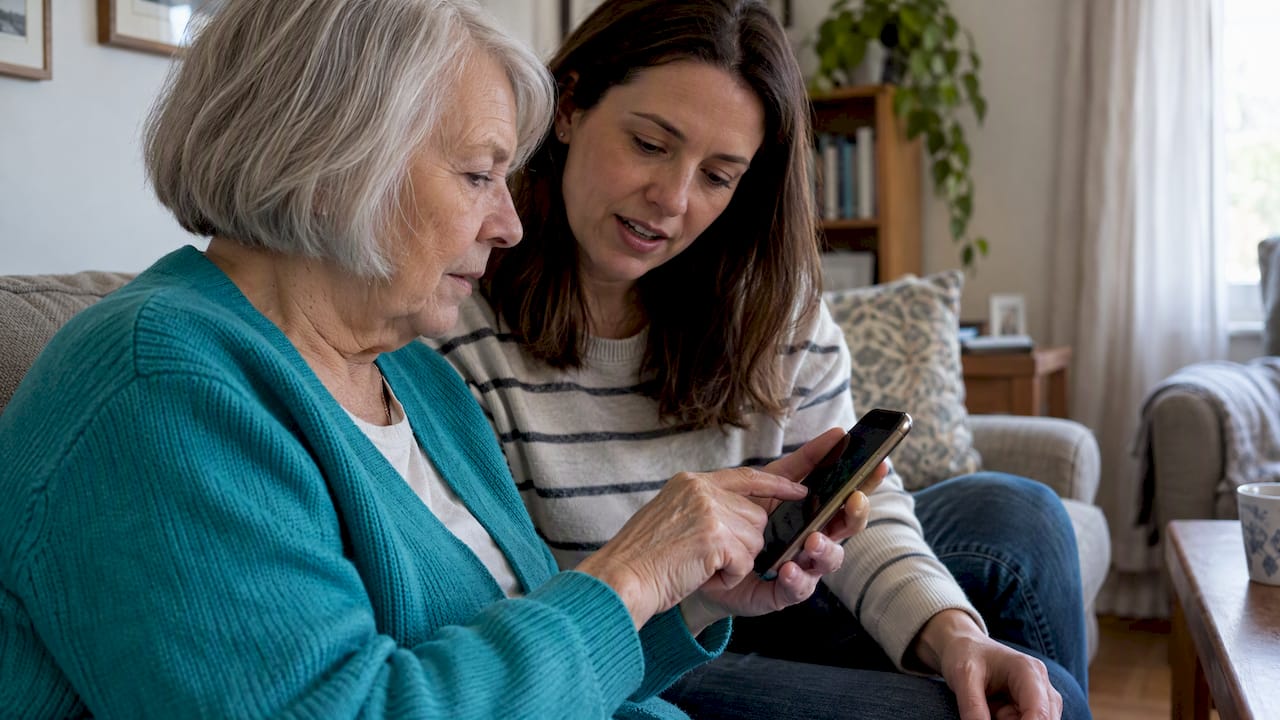
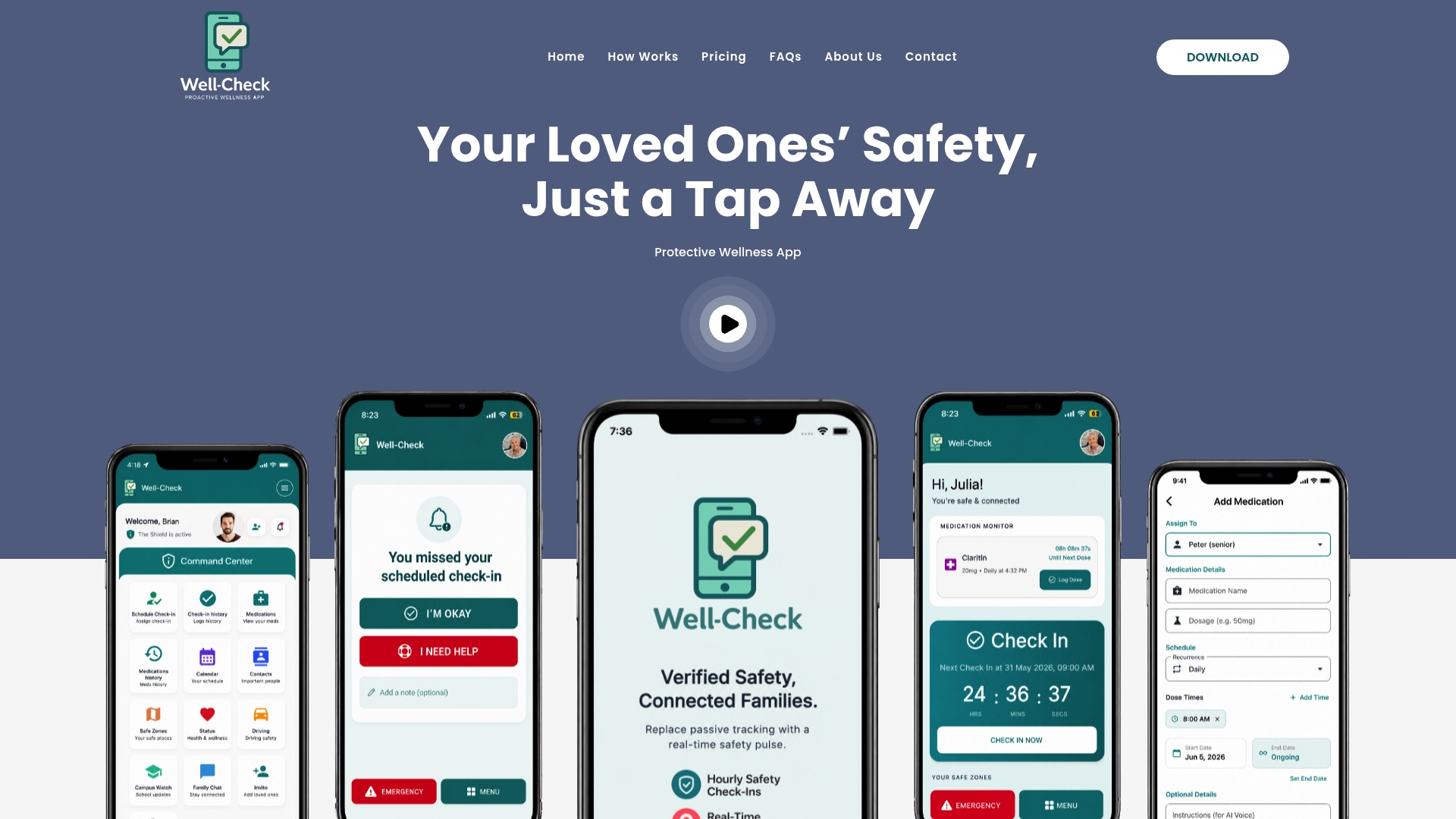
This workflow features one-tap “I’m okay” confirmations, missed-check-in alerts that reach family automatically, medication reminders tied to dosing times, an emergency contact network you set up once, and GPS that activates only when it’s needed.
- Run a family onboarding session to add contacts and set reminder times together.
- Use our senior safety checklist to cover the basics in one sitting.
- Compare our Essential and Complete plans to find the right fit for your family’s needs.
Standalone personal emergency response systems remain a solid choice for some households, particularly where a wearable button fits daily habits better than a phone app. What we offer is a different path to the same peace of mind: fewer devices to manage, one app that handles check-ins, medication timing, and emergency contacts together, at a fixed monthly cost. Start with our pricing plans to see which tier matches your family’s routine.
This article is general information, not a substitute for advice from a qualified doctor. Consult a qualified healthcare professional about your own circumstances before acting on anything here.
FAQ
What are good daily check-in questions for seniors?
Short, binary prompts work best: “Are you okay right now?”, “Did you take your medication?”, and “Did you eat today?” cover safety, medication, and wellbeing without requiring long answers. Grouping a few of these by category, rather than asking everything at once, keeps daily check-ins from feeling like a chore.
How often should an older adult check in with family?
A daily morning check plus medication-linked prompts works for most stable, independent seniors, with added checks after a hospital stay, a new medication, or a recent fall. A grace period of about 30 minutes past the scheduled time helps avoid false alarms over an ordinary slow morning.
What should happen if a check-in is missed?
A tiered plan works best: an automated reminder first, then a family notification if there’s still no response after roughly an hour, and emergency escalation only if that window passes too. This staged approach, similar to programs like Illinois’ Emergency Home Response Service, balances fast response against false alarms.
Does Well-Check offer a free trial?
Pricing details for our Essential and Complete plans are listed on our pricing page, where you can review current plan options directly. Trial availability and other plan details can be confirmed on the pricing page.
How do I keep check-ins from feeling intrusive?
Limit location sharing to emergency triggers, set a reasonable data retention window, and create opt-out zones like a bedroom where monitoring never applies. Explaining the setup in plain language, and giving the older adult control over what triggers an alert, goes a long way toward keeping monitoring from feeling like surveillance.

[…] Caregivers: 5 One Tap Daily Check In Categories to Set Up Fast […]