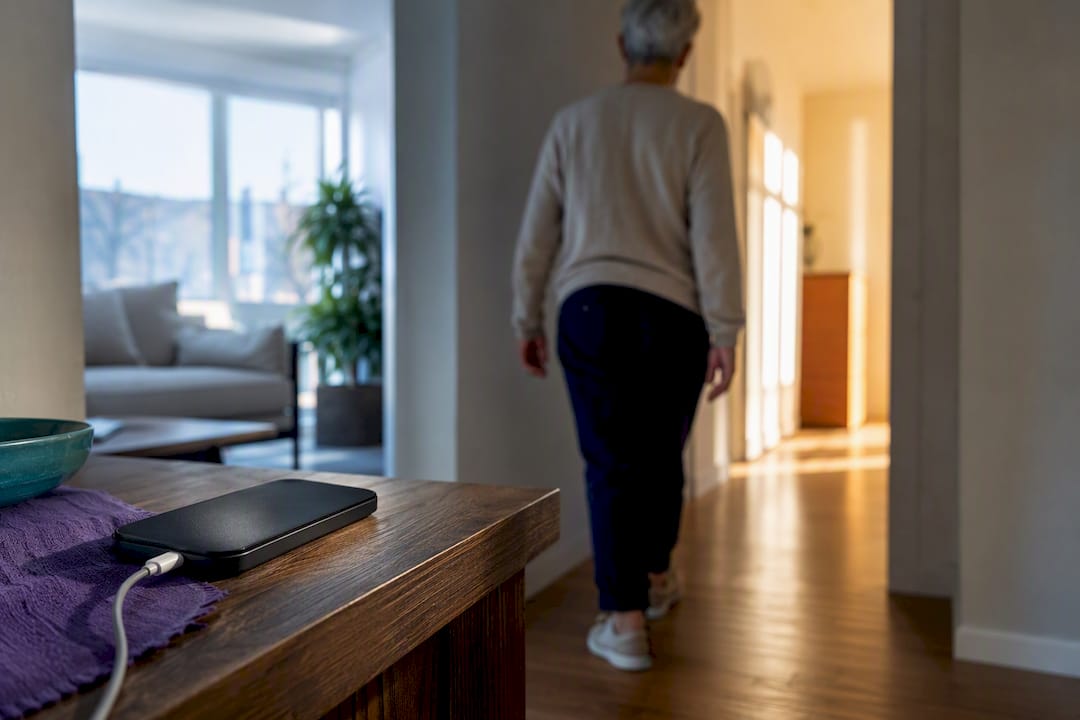
If you or your parent is generally mobile, comfortable with a smartphone, and have a low fall risk, a medical alert app can work fine. If falls, bathroom accidents, or living alone are real concerns, a dedicated wearable device with monitored response is the safer bet. Many families often use both a monitored device and an app together, since devices cover gaps that phones may not, as explained in guidance on accessible day centre design for dementia.
TL;DR:
- Wearable devices with monitored response are more reliable for high fall risk individuals and those living alone, as they stay on the body during accidents.
- Smartphone apps are cost-effective and quick to set up but depend on the phone being charged, carried, and connected at the time of an emergency.
- Fall detection systems have variable accuracy, with no system being completely fail-safe, so they should be considered backup tools rather than primary protections.
- Location tracking on dedicated devices tends to be more consistent indoors or in rural areas compared to phone-based apps, which rely heavily on proper device carrying and charging.
- Combining a wearable device with an app for daily check-ins and caregiver visibility offers a balanced approach tailored to individual habits and fall risk.
Table of Contents
- Medical Alert App vs Device: Quick Pros and Cons
- How Do Monitoring, Fall Detection, and GPS Actually Compare?
- How Do You Choose Between an App and a Device?
- When Does an App-First Approach Like Well-Check Make Sense?
- What Actually Matters When You’re Making This Call
- Try Well-Check for the Daily Check-In Layer Your Family Is Missing
- Sources
- FAQ
Medical Alert App vs Device: Quick Pros and Cons
The core trade-off comes down to convenience versus reliability. An app lives on a phone you already own; a device is built for one job and rarely fails at it.
Apps win on cost and setup speed. Most run as a subscription with no separate hardware to buy, and they slot into a phone the person already carries. Many pair with a companion app for caregivers, so family members see check-ins, location, and alerts without a second gadget. The catch is that an app is only as good as the phone underneath it. It has to be charged, carried, connected to a network, and unlocked at the moment something goes wrong.
Dedicated devices are generally more physically reliable. A pendant or wristband stays on the body, including in the shower, where many falls among older adults occur. Most connect to a monitored response center staffed by trained specialists around the clock, providing human response beyond automated alerts. The trade-off is cost, including hardware and monitoring fees, and the need to keep it charged and worn daily.
Here’s how the two options tend to sort by user type:
- Active, tech-comfortable adults with low fall risk: An app is usually enough, especially if the person already keeps their phone within reach most of the day, according to common usage patterns.
- Anyone with a history of falls, or falls in the bathroom specifically: A wearable, waterproof device is generally considered the stronger choice, since it stays on the body when a phone would be left on the counter.
- Caregivers managing a parent from a distance: A companion app layered on top of either option is important, as it shows missed check-ins and location in real time.
- Someone who forgets or resists carrying a phone: A device is typically the safer option, since an app does not help if the phone is left behind.
- People managing several chronic conditions or memory changes: A monitored device provides access to trained specialists who can assess situations, unlike automated alerts alone.
None of this is all-or-nothing. A lot of families land on a hybrid: a wearable for physical safety, plus an app for daily check-ins, medication reminders, and the peace-of-mind layer that a pendant alone doesn’t provide.
How Do Monitoring, Fall Detection, and GPS Actually Compare?
The feature list on a product page rarely tells you how a system behaves at 2 a.m. when someone is on the bathroom floor. Here’s what actually differs under the hood.
-
Monitoring and response. Dedicated devices are typically tied to a live monitored center where a trained specialist answers the call, assesses what’s happening, and either dispatches emergency services or contacts a caregiver based on the person’s medical profile. Apps, by contrast, usually route an alert straight to a phone call, a text to family, or 911, without a human on the other end interpreting the situation first. That human layer is the biggest practical difference between the two categories, since a specialist can tell the difference between a minor stumble and a real emergency.
-
Fall detection accuracy. Both apps and dedicated pendants use motion sensors to detect falls, but accuracy varies and accidental activations are common. Consumer Reports notes no system is completely fail-safe; fall detection should be considered a backup feature rather than a guarantee.
-
GPS and location accuracy. Location tracking depends on connectivity in both formats, but dedicated devices with built-in cellular chips tend to hold a signal more consistently than a phone-based app, especially indoors or in rural areas with patchy coverage.
-
Wearability and availability. A device worn on the chest or wrist is more likely to be present during a fall than a phone left on a nightstand. Smartphone-based fall detection depends heavily on the phone being carried, charged, and properly set up at the time of an emergency.
-
Battery life and charging habits. Most dedicated pendants typically last for days on a single charge and are designed for continuous wear, including in the shower. Phones require daily charging, and a dead battery can disable all safety features of an app.
-
Caregiver tools. This is where apps often pull ahead. Many systems, both device-based and app-based, include a companion app for family members showing check-in history, battery status, and location. This involves privacy trade-offs due to location sharing and activity logs, which should be discussed openly before use.
Quick stat to remember: accidental activations and inconsistent fall detection show up often enough in independent testing that Consumer Reports treats “no system is 100% fail-safe” as a baseline assumption, not an edge case.
Pro Tip: Ask any vendor, app or device, what happens after a fall is detected but the person doesn’t respond to a check-in call. That single question exposes whether you’re getting a real monitored response or just an automated alert with no follow-up.
How Do You Choose Between an App and a Device?
Start with a short self-assessment before comparing brands. Four questions do most of the work:
- Has this person fallen in the last year, or do they have a condition that raises fall risk?
- Do they carry their phone with them consistently, including into the bathroom?
- Do they live alone, or are long stretches of the day unsupervised?
- Are they comfortable navigating an app, or would a single physical button feel less intimidating?
If the answer to the first or third question is yes, lean toward a dedicated wearable device with monitored response. If the person is mobile, phone-attached, and mostly looking for daily check-ins and reminders rather than fall protection, an app-first approach is a reasonable starting point.
Once you’ve narrowed the field, the questions you ask a vendor matter more than the marketing page. Ask specifically:
- What are the monitoring center’s hours, and is it staffed 24/7 or only during business hours?
- How accurate is GPS location indoors versus outdoors, and what happens if the signal drops?
- Has fall detection been independently tested, and what’s the false alarm rate in real-world use?
- What’s the battery life under normal use, and how is the device charged?
- What happens after a false alarm, does it notify a caregiver, cancel automatically, or require a callback?
- What are the cancellation terms, and is there a fee to end monitoring early?
Treat the free trial period as an actual test, not a formality. Set up the check-in or alert feature the way it would be used daily, then deliberately trigger a test alert to see how fast a real person responds. A vendor that can’t clearly answer the false-alarm question, or that buries cancellation terms in fine print, is a red flag worth walking away from.
Pro Tip: During any trial period, test the worst-case scenario on purpose: let the phone battery run low, or leave the device in another room. Watching how the system fails tells you more than watching it succeed.
When Does an App-First Approach Like Well-Check Make Sense?
Well-Check was built around a simpler problem than fall detection: most safety scares with someone living alone start with silence, not a dramatic emergency. A missed morning check-in, a skipped medication, no answer on the phone. That’s the gap an app-first tool is built to close.
The app runs on daily check-ins where the person confirms they’re okay with one tap, alongside medication reminders and a one-tap help button for anything more urgent. If a check-in is missed, it alerts the emergency contact network automatically, and caregivers get smart analysis that flags patterns worth a phone call, like a string of skipped reminders, rather than just raw data. GPS tracking runs in the background for families who want location context without a separate device.
This approach fits best for:
- Older adults who are mobile, phone-attached, and mainly need a daily safety net rather than fall protection.
- Families coordinating care from a distance who need missed-check alerts more than emergency dispatch.
- People managing several medications who benefit from reminders as much as from an emergency button.
It’s worth being straightforward about the limits here. An app depends on the phone being charged and carried, the same dependency that applies to any smartphone-based tool. If fall risk is high, or the person routinely leaves their phone in another room, a wearable device with monitored response is still the safer primary layer, with an app like Well-Check running alongside it for the daily check-in and caregiver visibility a pendant alone doesn’t provide.
What Actually Matters When You’re Making This Call
Most guides frame this as a binary choice, app or device, when the honest answer is that the decision should follow the person’s habits, not the product’s feature list. A phone-based system is genuinely fine for someone who already treats their phone like a body part. It’s a liability for someone who leaves it charging in the kitchen while they shower.
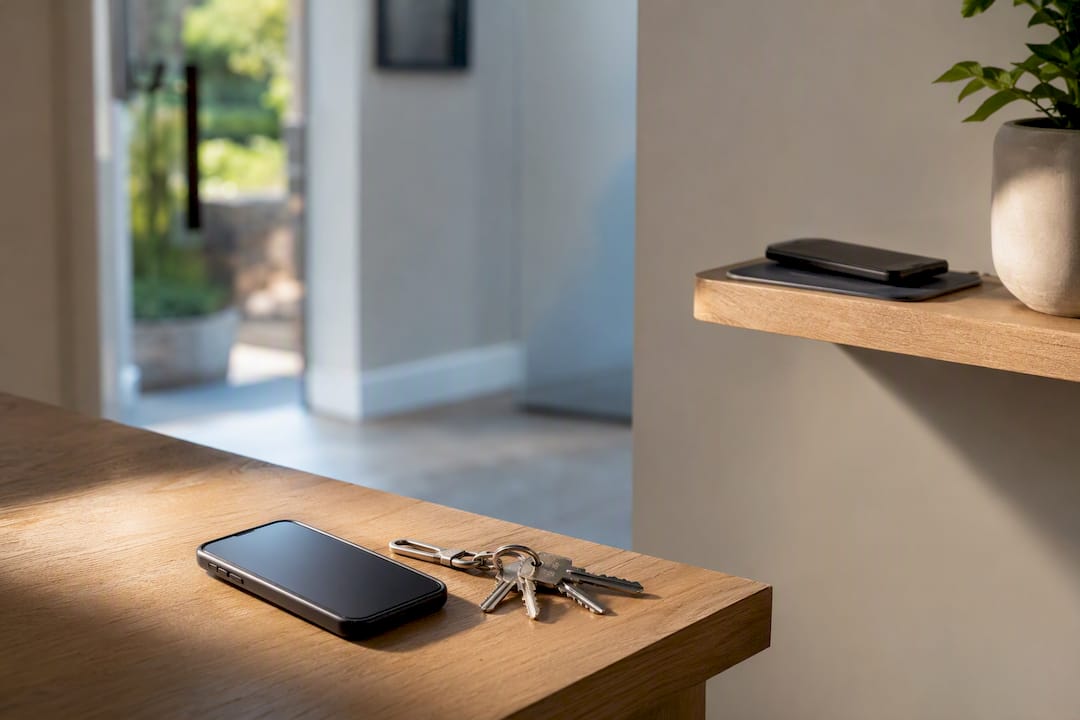
What gets underweighted in most comparisons is the caregiver side of this equation. A monitored pendant solves the emergency response problem well, but it does almost nothing for the slower, quieter risk: a family member not noticing for two days that mom skipped her blood pressure medication or didn’t get out of bed. That’s a check-in problem, not a fall-detection problem, and it’s exactly where an app-first layer earns its place even in households that also own a device.
My practical advice: don’t buy based on features you might need someday. Buy based on the habits this specific person has today, then revisit the choice every year as those habits change.
— Brian
Try Well-Check for the Daily Check-In Layer Your Family Is Missing
If the self-assessment above pointed you toward daily check-ins, medication reminders, and caregiver visibility rather than fall-detection hardware, Well-Check is built for exactly that. It combines one-tap “I’m okay” confirmations, missed check-in alerts to your emergency contact network, and smart caregiver analysis that flags patterns before they become emergencies, all without a separate device to charge or wear.
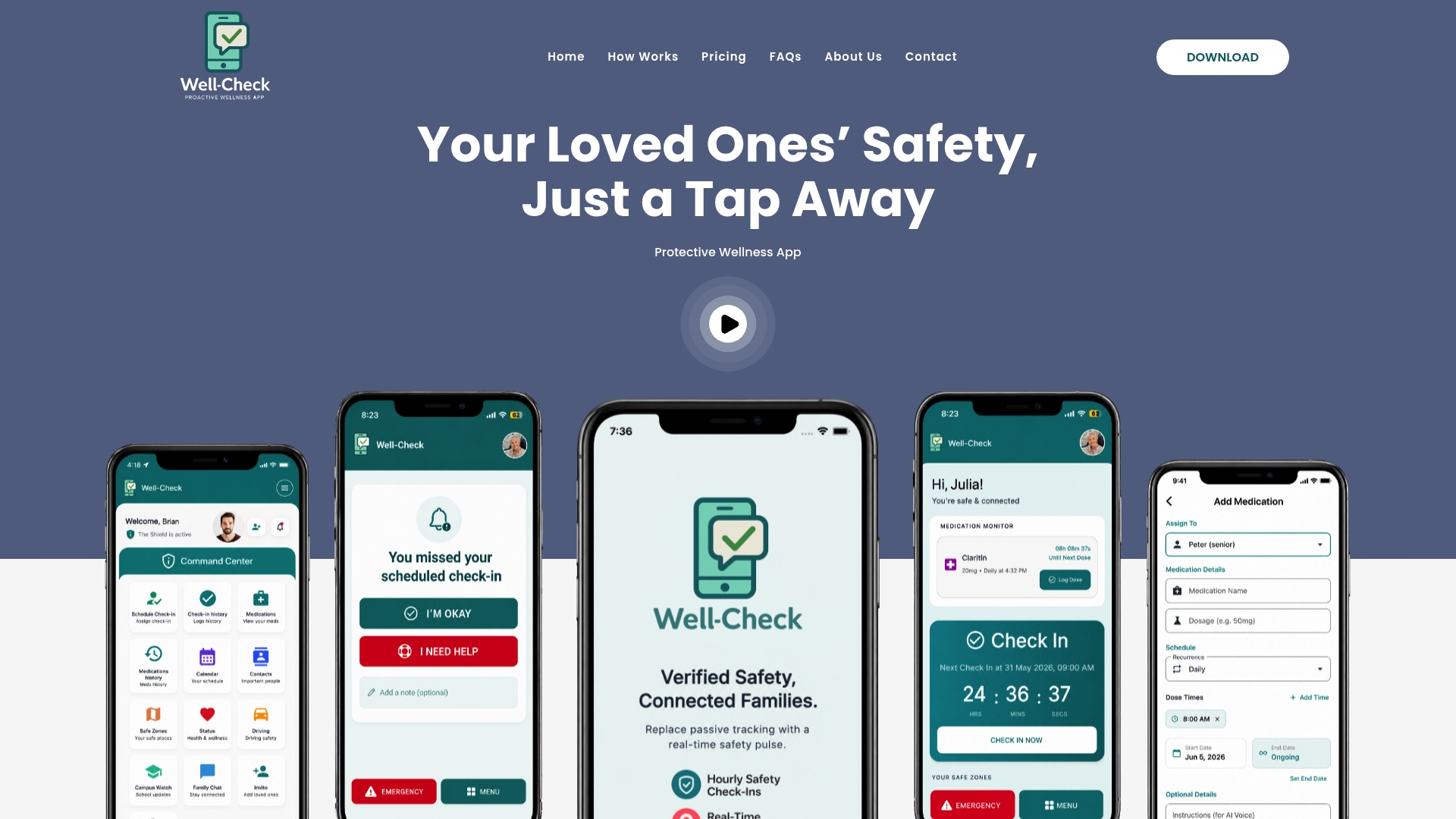
During a trial, test the things that actually matter day to day: how reliably check-ins register, how fast a missed check-in reaches a caregiver, how accurate the GPS tracking is in your area, and how simple the “I’m okay” flow feels for the person using it. You can see the full feature breakdown on the how it works page or compare plans on the pricing page before committing. If your situation involves a real fall history or someone who rarely carries their phone, consider pairing an app with a monitored wearable device rather than relying on an app alone, and start your trial once you’ve confirmed which layer of protection you actually need.
This article is general information, not a substitute for advice from a qualified doctor. Consult a qualified healthcare professional about your own circumstances before acting on anything here.
Sources
- Medical Alert System Features: Which Do You Need? — NCOA
- Best Medical Alert Systems — Consumer Reports
FAQ
What Is the Best Medical Alert System for Home Use?
There’s no single best system for every household. A monitored wearable device suits high fall risk or living alone, while a check-in app like Well-Check suits someone who’s mobile and phone-attached but needs daily safety monitoring and medication reminders.
Do EMTs Really Look for Medical Alert Bracelets?
Yes, emergency responders are trained to check wrists and necks for medical alert jewelry or pendants, since it often carries critical health information and an active monitoring connection.
What Medical Alert Systems Does AARP Recommend?
AARP doesn’t officially endorse a specific brand, but its resources point readers toward systems with 24/7 trained monitoring centers and transparent fall-detection accuracy data as the key evaluation criteria.
Does Medicare Cover Medical Alert Systems or Apps?
Generally, no. Medicare typically does not classify medical alert devices or apps as durable medical equipment, so most families pay out of pocket or through supplemental coverage.
What Is the Highest Rated Medical Alert System for Seniors?
Ratings vary by testing organization and change year to year, so it’s more useful to compare monitoring hours, fall-detection testing data, and cancellation terms directly with a vendor than to chase a single “top-rated” label.