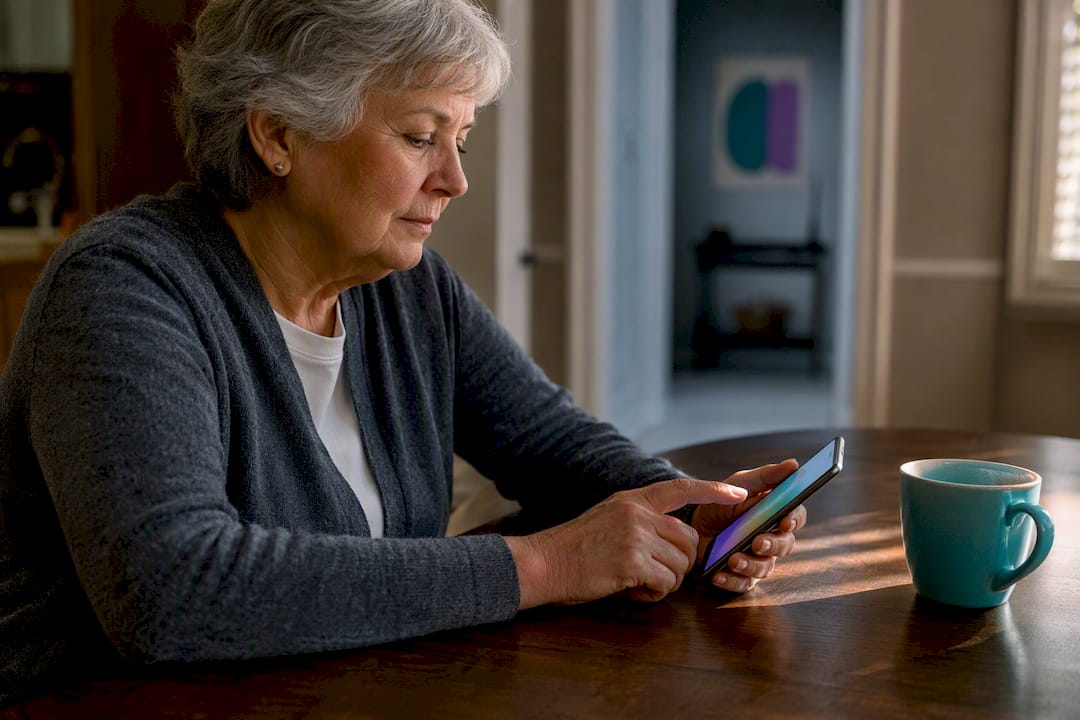
For seniors who mainly want conversation and a familiar voice, scheduled phone calls work best. For families who need fast emergency alerts and proof that someone checked in on time, an app-based check-in system wins. Most families end up happiest with both: an app catching missed check-ins and emergencies, paired with regular calls for the connection an automated “I’m okay” tap can’t provide.
TL;DR:
- Combining an app with weekly caregiver calls significantly improves long-term engagement and enhances emotional connection.
- Automated alerts from apps ensure prompt family notification and location tracking during emergencies, reducing response time.
- Seniors with limited tech skills or high medical risks benefit from a hybrid approach that balances reliability and accessibility.
- Testing alert functionality early prevents silent failures, such as muted notifications or missed notifications, before real emergencies occur.
- A well-designed system includes clear escalation paths, backup contacts, and user-friendly setup features to ensure continuous safety coverage.
Table of Contents
- Phone Call Check-Ins vs. App: How They Actually Compare
- How Do You Choose the Right Check-In Method?
- What Does the Research Say About Apps and Sustained Use?
- Building a Hybrid That Actually Sticks
- What I’ve Learned Watching Families Get This Wrong (Then Right)
- Why Well-Check Fits This Decision
- Where This Article’s Claims Come From
- Sources
- FAQ
Phone Call Check-Ins vs. App: How They Actually Compare
The real difference between a phone call check-in vs app system isn’t convenience. It’s what kind of information each one catches, and how fast it acts on trouble.
A phone call is a conversation. You hear tone, hesitation, coughing, confusion. A daughter calling her father every morning will notice if he sounds off before he says a single word about it. By contrast, an app check-in is usually a binary signal: a tap that says “I’m okay” or a missed window that triggers a flag. It can’t hear a shaky voice, but it also doesn’t depend on someone being awake and available to place that call every single day.
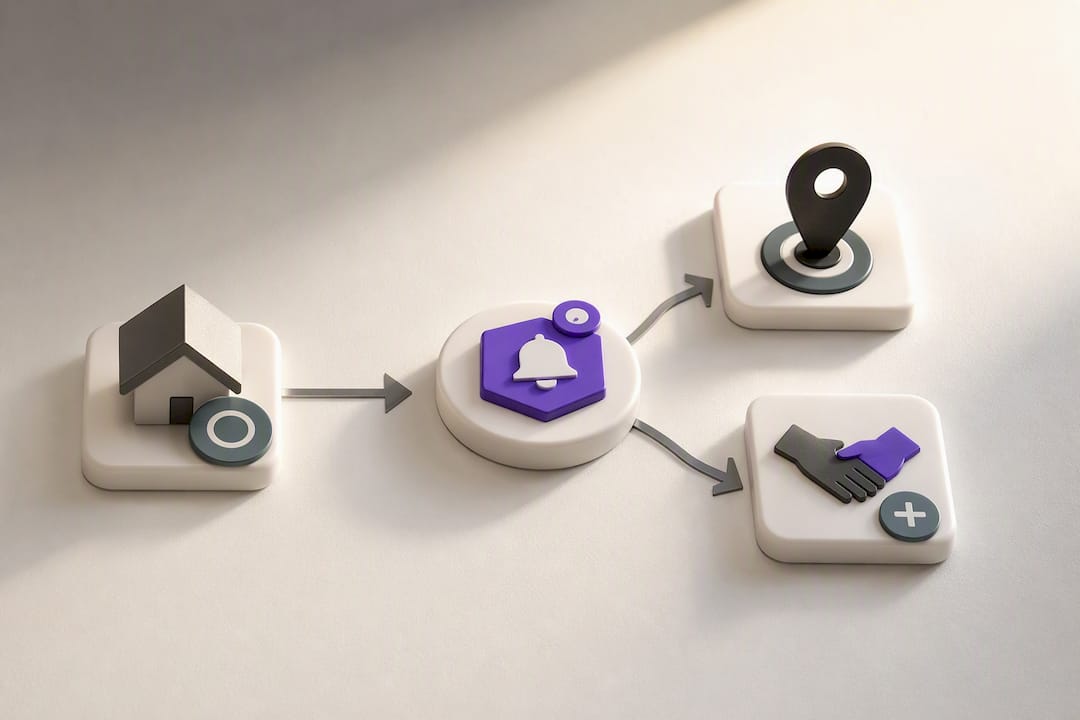
Emergency response is where the gap widens. A missed phone call means someone has to notice, then decide whether to worry, then call again, then maybe drive over. A check-in app automates that entire chain: a missed check-in fires an alert to family automatically, GPS location narrows the search if something’s wrong, and a one-tap help button skips the “should I call 911” hesitation entirely.
Accessibility cuts both ways. Phone calls need zero tech skill, no smartphone, no app literacy, which matters for seniors with limited vision or dexterity issues. Apps need a phone, a charged battery, and a UI simple enough to use under stress, though a well-designed app with large buttons and one-tap confirmations closes most of that gap.
On cost and time, the tradeoff is stark:
- Phone calls: free between family members, but they consume real time daily, and a missed call from a busy caregiver leaves a gap with no fallback.
- Apps: a modest monthly subscription, but the monitoring runs continuously without anyone remembering to dial.
- Professional call services: reliable but priced per check-in or per month, adding up fast for daily coverage.
- Hybrid setups: blend both costs, but redundancy is the point, not a flaw.
Emotionally, live calls still do something apps can’t fully replace. Community phone programs consistently show that regular calls reduce loneliness and help spot urgent needs that a silent app tap would miss entirely.
How Do You Choose the Right Check-In Method?
Start with an honest inventory, not a gut feeling. Answer these five questions before you commit to either a phone call check-in vs app strategy:
- How comfortable is the senior with a smartphone? If they already text or use apps daily, an app check-in is realistic. If not, you’re either training them or leaning on calls.
- What’s the actual medical risk? Someone managing diabetes, a heart condition, or recent falls needs faster escalation than a phone tree provides.
- How available is the primary caregiver? A daughter working three jobs cannot reliably call at the same time every day. Automation covers that gap.
- What’s the monthly budget? Free calls cost time; apps cost money; professional monitoring costs the most but adds redundancy.
- What are the privacy expectations? GPS tracking and check-in logs mean data is stored somewhere. Ask who sees it and for how long.
Before signing up for any service, ask the provider directly: What happens when a check-in is missed? Who gets the alert, and how fast? Is there a test mode to confirm alerts actually work before you rely on them? How long is check-in data retained, and who has access? Is onboarding support included, or are you on your own?
Red flags worth walking away from: no clear escalation process, a confusing interface that requires a manual to operate, or a system that quietly depends on a family member always being reachable with no backup plan.
Pro Tip: Run a test alert in the first week, before you actually need the system. A surprising number of families discover a missed notification setting only after a real scare, not before.
For low-tech, low-risk seniors, calls alone may be enough. For moderate risk, a simple app with family alerts closes the gaps calls leave open. For high-risk situations, combine both and add GPS tracking as insurance.
What Does the Research Say About Apps and Sustained Use?
Apps look great on paper and then quietly stop getting used. That’s the pattern across mobile health research, and it’s the single biggest argument for combining tech with human contact rather than picking one over the other.
A three-arm randomized controlled trial tested exactly this. Participants who received an app plus proactive nurse phone calls kept using it far longer than those with the app alone.
At six months, a notably higher share of participants receiving the app plus nurse calls were still using it at least twice weekly, compared with the app-only group — a statistically significant gap.
That same trial found sustained users saw improvements in self-efficacy and depression scores, benefits that only showed up because the calls kept people engaged long enough for the app to matter. Separate analysis of mHealth interactivity backs this up: two-way human contact sustains usage better than app-only programs, full stop.
The reverse case, automation replacing staff time, also has real evidence behind it. A senior living community that adopted automated check-in technology reported reductions of hundreds of staff hours annually across different roles, cutting total time spent on check-ins by a significant percentage.
Put those two findings together and the practical lesson is clear:
- Apps alone tend to lose users within months without follow-up.
- A single proactive call schedule, even weekly, dramatically extends how long people stick with the app.
- Automation frees staff or family time, but only after usage is established.
Plan onboarding like it matters, because it does. Set calendar reminders for the first few weeks, and schedule at least one human check-in call to reinforce the habit before it fades.
Building a Hybrid That Actually Sticks
Three templates cover most family situations. Pick the one closest to your reality and adjust.
App-first with weekly calls. The senior confirms daily through the app; a family member calls once a week for connection. Best for tech-comfortable, lower-risk seniors.
Daily app check with twice-weekly calls. Adds a mid-week call on top of the weekly one, useful when isolation is a bigger concern than medical risk.
Scheduled call primary, app as backup. The call is the daily ritual; the app catches emergencies if a call gets missed. Best for seniors who resist smartphones but still need a safety net.
Whichever you choose, map the escalation path before you need it: missed app check-in triggers an alert to the primary caregiver, who has 15 minutes to respond before a secondary contact or neighbor gets pulled in.
- Enlarge text and buttons during setup.
- Send a test alert the first week to confirm it reaches everyone.
- Write a one-page cheat sheet with big print near the phone or tablet.
Pro Tip: A short five-minute training call, repeated once a week for the first month, prevents more drop-off than any feature the app itself offers.
What I’ve Learned Watching Families Get This Wrong (Then Right)
Most families start with one method and switch after something goes wrong, not before. A relative picks an app because it looks thorough, skips the test alert, and finds out three weeks later that notifications were silently muted on a phone’s settings. Or they lean entirely on daily calls, and a missed one during a work trip becomes twelve hours of unanswered dread.
The families who settle into something that actually works usually land on a hybrid, and they get there by iterating: testing alerts on day one, adding a backup contact after a scare, trimming call frequency once the app proves reliable. What changes isn’t the technology. It’s the worry. Clear escalation paths replace guesswork, and that’s the whole point.
— Brian
Why Well-Check Fits This Decision
If the checklist above pointed you toward a hybrid or an app-first approach, Well-Check was built around exactly that gap. It handles daily check-ins with a one-tap “I’m okay” confirmation, sends missed-check alerts straight to family before worry turns into panic, and includes medication reminders so pills aren’t the thing that gets forgotten. GPS tracking adds a location layer for emergencies, and smart caregiver analysis flags patterns a single missed call would never catch.
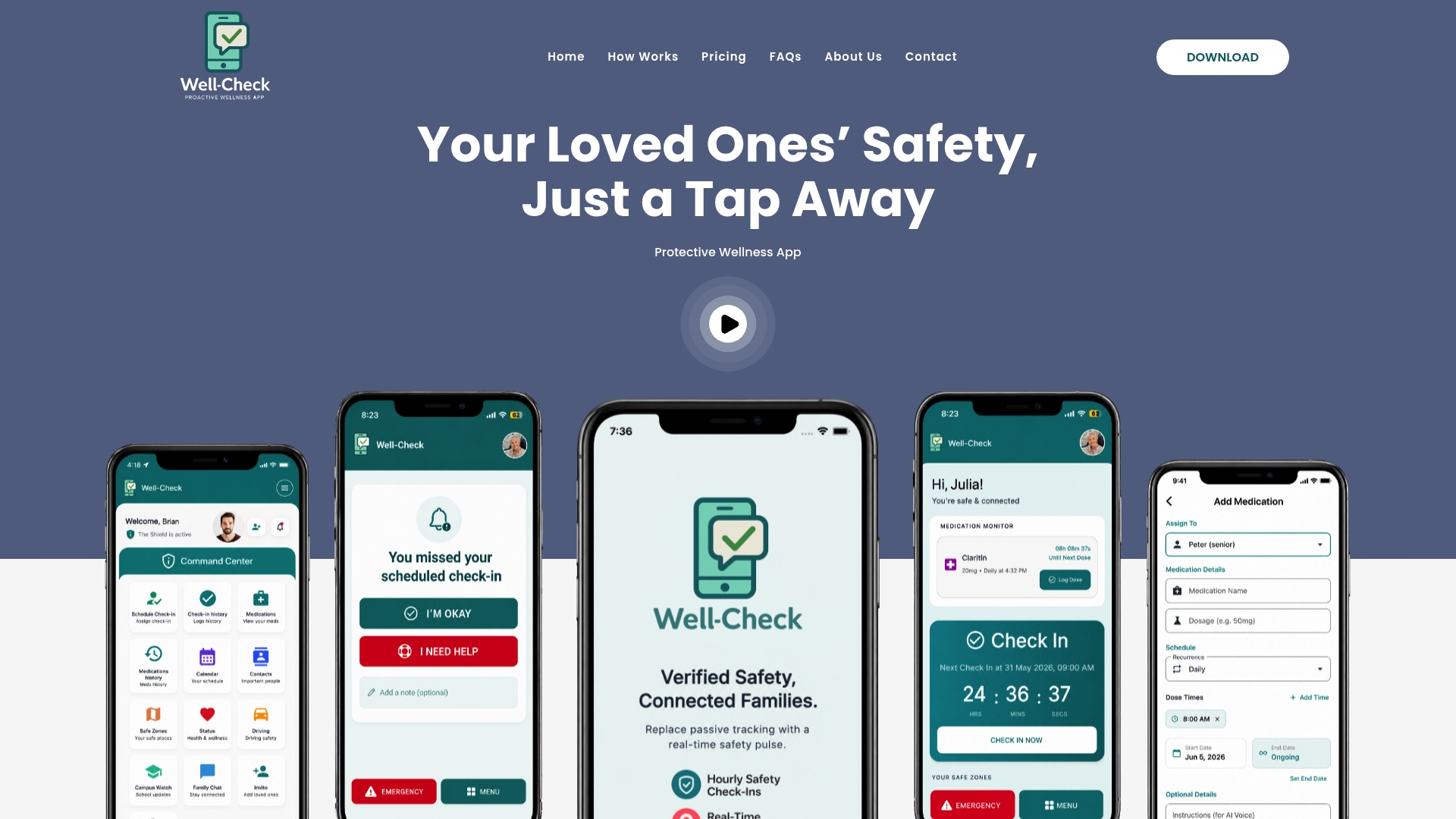
It’s a strong fit for seniors living alone who want independence without disappearing off the radar, and for families who can’t be the ones dialing every single morning. Visit the Well-Check landing page to see how check-ins and alerts work in practice, or explore how Well-Check works before you commit. Set up your first test alert with your own emergency contacts this week, before you need it for real.
Where This Article’s Claims Come From
- The nurse-call RCT supplies the sustained-usage figures behind the hybrid recommendation.
- The Masonic Village case study documents real staff-hour savings from automated check-ins.
- Meals on Wheels resources back the loneliness and social-connection claims tied to phone calls.
Sources
- The Synergistic Effect of Nurse Proactive Phone Calls With an mHealth App Program on Sustaining App Usage: 3-Arm Randomized Controlled Trial
- JMIR analysis reporting on mHealth interactivity and sustained usage (2023)
- Resident Check In Masonic Village at Elizabethtown Case Study 2025
- Meals on Wheels — loneliness and isolation resources
FAQ
Is a Phone Call or an App Better for Daily Check-Ins?
Calls offer better emotional connection; apps offer faster, automated emergency alerts. Most families get the best results combining both.
What Happens When Someone Misses an App Check-In?
A quality app like Well-Check sends an automatic alert to designated family contacts, often with GPS location, instead of waiting for someone to notice a missed call.
Do Apps Actually Get Used Long-Term by Seniors?
Not reliably on their own. A randomized controlled trial found sustained twice-weekly use at 37.8% when paired with proactive calls, versus 18.3% for the app alone.
Can an App Replace Daily Phone Calls Entirely?
It can replace the safety-monitoring function, but it can’t replicate the social and emotional benefit of a live conversation, which community calling programs show matters for reducing loneliness.
How Do I Know if a Check-In System Is Reliable?
Ask the provider what happens after a missed check-in, who receives the alert, and whether you can run a test before relying on it. If they can’t answer clearly, look elsewhere.