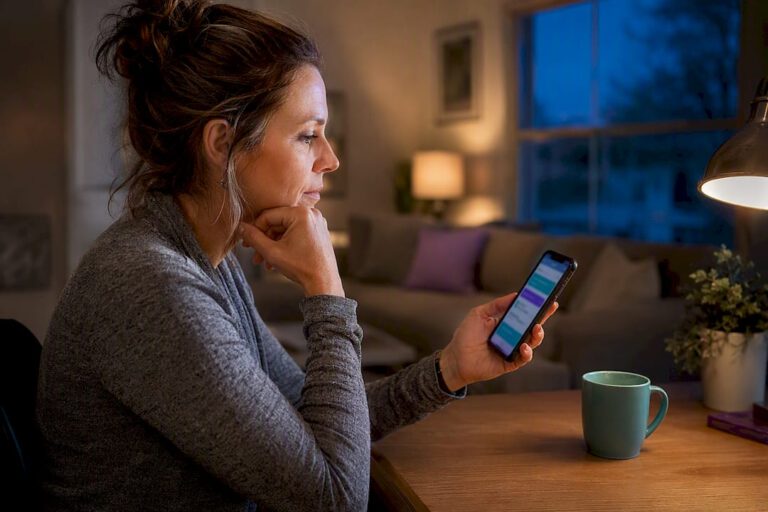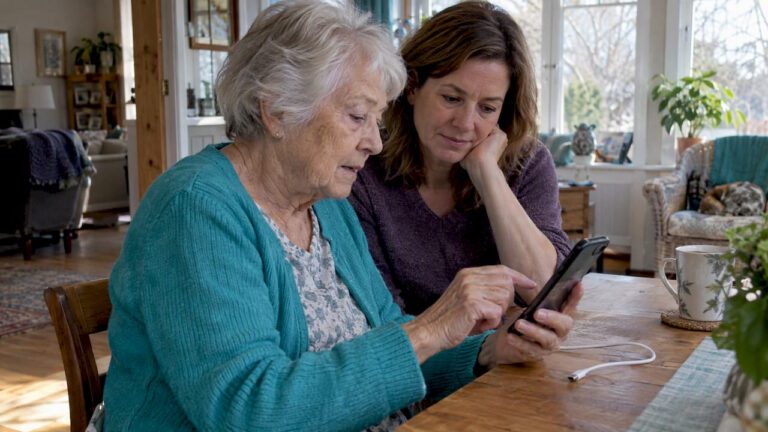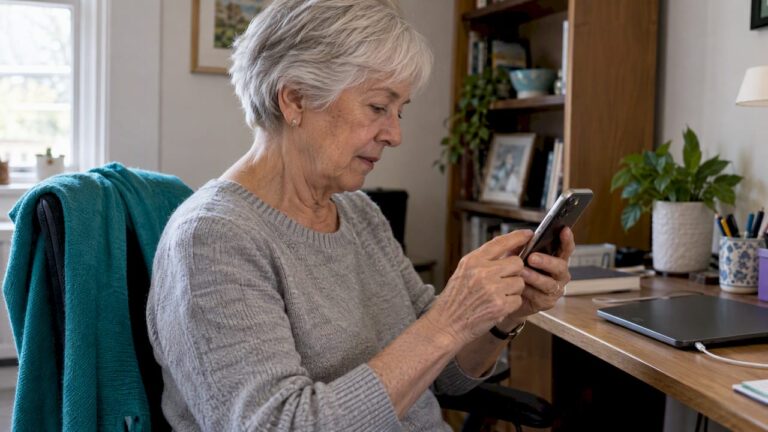
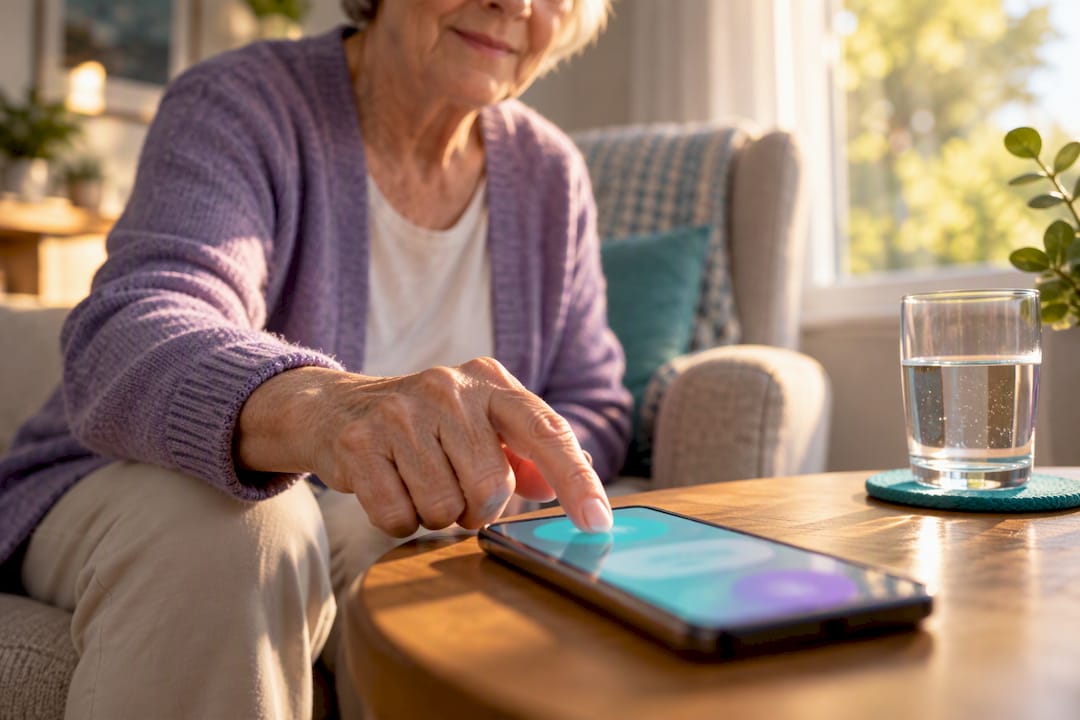
Yes, an iPhone can run app-based safety and daily check-in tools that function as fall detection on iPhone for someone living alone. These apps use one-tap “I’m okay” confirmations, missed-check alerts to family or caregivers, optional GPS sharing, and medication reminders to build a coordination layer around an older adult. They cannot stop a fall from happening, and they work best as one piece of a broader safety plan rather than a stand-alone fix.
TL;DR:
- Most check-in apps depend on scheduled reminders, not automatic fall detection sensors, making routine human confirmation essential.
- A reliable app should send clear, timely nudges with large, easy-to-press buttons and allow multiple contacts with defined escalation procedures.
- Missed check-ins should typically trigger a gentle phone call within a 15-minute grace period, avoiding false alarms or panic responses.
- These apps support broader fall prevention strategies like home safety improvements, strength exercises, medication management, and regular human contact.
- Proper setup, including testing delays and privacy controls, is crucial for accuracy, trust, and maintaining independence for older adults living alone.
Table of Contents
- What Is App-Based Fall Detection on iPhone?
- What Features Should Families Look for in a Check-In App?
- How Do You Set Up a Reliable Daily Check-In Routine?
- What Does the Evidence Say About These Apps, and What Are the Limits?
- How Should an App Fit Into a Broader Fall-Prevention Plan?
- What iPhone Models and iOS Versions Work With Check-In Apps?
- How Does This Differ From Built-In iPhone Safety Features?
- How Does the Underlying Technology Actually Work?
- What Privacy and Data Security Questions Should You Ask?
- How Should You Respond to a Missed Check-In Alert?
- Why Do False Positives and Missed Detections Happen?
- Balancing Independence and Safety When Someone Lives Alone
- Why Well-Check Fits This Approach
- Sources
- FAQ
What Is App-Based Fall Detection on iPhone?
App-based fall detection on iPhone works through scheduled check-ins, not automatic sensor triggers. The older adult picks a daily time, gets a reminder, and taps a button to confirm they’re okay. If that tap doesn’t happen, the app escalates: first a nudge, then an alert to a designated contact.
This is a distinct category from device-sensor detection built into hardware. Instead, it’s a human-in-the-loop system built around routine. Most apps in this space add optional layers on top of the basic check-in: GPS location shared only with consent, medication reminders tied to the same daily rhythm, and unlimited check-ins so families aren’t capped at one alert a day.
The appeal is simplicity. A senior doesn’t need to learn a complicated dashboard. They need one button, pressed once a day, that quietly tells everyone who matters: I’m fine. When that button doesn’t get pressed, the system does the worrying instead of a family member staring at a silent phone.
What Features Should Families Look for in a Check-In App?
Not every safety app is built the same way, and the differences matter more than the marketing copy suggests. Before you commit to one, run it against this checklist.
- Reminder reliability. The app should send a clear, timed nudge before the check-in window closes, not a vague daily ping that’s easy to ignore.
- One-tap confirmation with large, obvious buttons. Anything requiring multiple screens or small icons will get abandoned within a week.
- A configurable contact network. You want to name more than one person and set the order they’re contacted in.
- Defined missed-check settings and grace periods. A 15-minute buffer after a missed reminder, as used in one telecare feasibility trial, gives enough room for someone who’s simply in the shower or outside gardening.
- Opt-in location sharing with clear visibility rules. Everyone involved should know exactly who can see GPS data and when.
- Medication reminders and offline fallback. If Wi-Fi drops or a battery dies, the app should still attempt SMS or a call rather than failing silently.
- Short, simple setup. Look for guided onboarding rather than a manual you have to read twice.
Pro Tip: Test the missed-check alert yourself before handing the phone over. Skip a confirmation on purpose and time how long it takes for the alert to reach you. If it’s instant with zero grace period, expect false alarms; if it never arrives, that’s worse.
How Do You Set Up a Reliable Daily Check-In Routine?
A good app is only half the equation. The escalation plan behind it decides whether the system actually works when it matters.
- Agree on a daily check-in time together. Set the reminder 10 to 20 minutes before that time, with 15 minutes being a commonly reported standard that gives enough buffer without feeling rushed.
- Build a graduated escalation, not a single alarm. Step one is a phone call to the older adult. Step two is a call to a nearby neighbor or local contact. Step three brings in a designated family member to check in person or contact local services if no one can reach them.
- Document a grace period and verification step. One missed check should trigger a phone call, not an ambulance. Immediate emergency dispatch after a single miss creates panic and erodes trust in the system.
- Practice the routine once, together. Walk through a real check-in and a real missed check-in so the older adult knows exactly what happens on both sides.
- Keep a shared, written plan. A simple document with names, numbers, and the order of escalation prevents confusion when someone’s rushing.
Pro Tip: Write the escalation plan on paper and stick it on the refrigerator too. When someone’s stressed and dialing fast, a physical reminder beats digging through an app’s settings menu.
What Does the Evidence Say About These Apps, and What Are the Limits?
The research paints a useful but modest picture. A 2025 feasibility trial of a proactive telecare system found participants commonly missed confirmation presses at times during the trial period. That’s not a failure of the technology. It’s a sign that misses happen routinely and should be treated as risk signals worth a phone call, not evidence that something is medically wrong.
A 2024 systematic review of gerontechnologies covering 13 studies found real benefits in communication and caregiver stress, but the evidence base is still moderate in quality with limited data on long-term outcomes. A 2026 scoping review of digital care tools echoed that gap, noting positive reported well-being effects alongside thin evidence on cost-effectiveness.
Falls are the second leading cause of unintentional injury deaths worldwide, with 37.3 million falls a year serious enough to require medical attention.
Some matched-control studies of integrated emergency systems found no significant difference in hospitalization rates. Engagement and design, not the technology itself, tend to determine whether these systems actually help.
How Should an App Fit Into a Broader Fall-Prevention Plan?
An app manages communication. It doesn’t reduce the physical risk of falling, and the WHO’s prevention guidance is specific about what does.
- Strength and balance training reduces fall risk more directly than any monitoring technology.
- Home hazard fixes matter: better lighting, removing loose rugs, and installing grab bars in bathrooms.
- Medication reviews catch drug interactions or side effects that contribute to dizziness and instability.
- Coordinated reminders through the app can prompt appointments, follow-ups, and physical therapy sessions without a family member having to track everything manually.
- Regular human contact still matters most. A check-in app fills gaps between visits; it doesn’t replace them.
Pairing technology with these behavioral steps reflects the guidance in WHO’s falls fact sheet, and family resources like this guide on healthy aging cover the same ground in more depth.
What iPhone Models and iOS Versions Work With Check-In Apps?
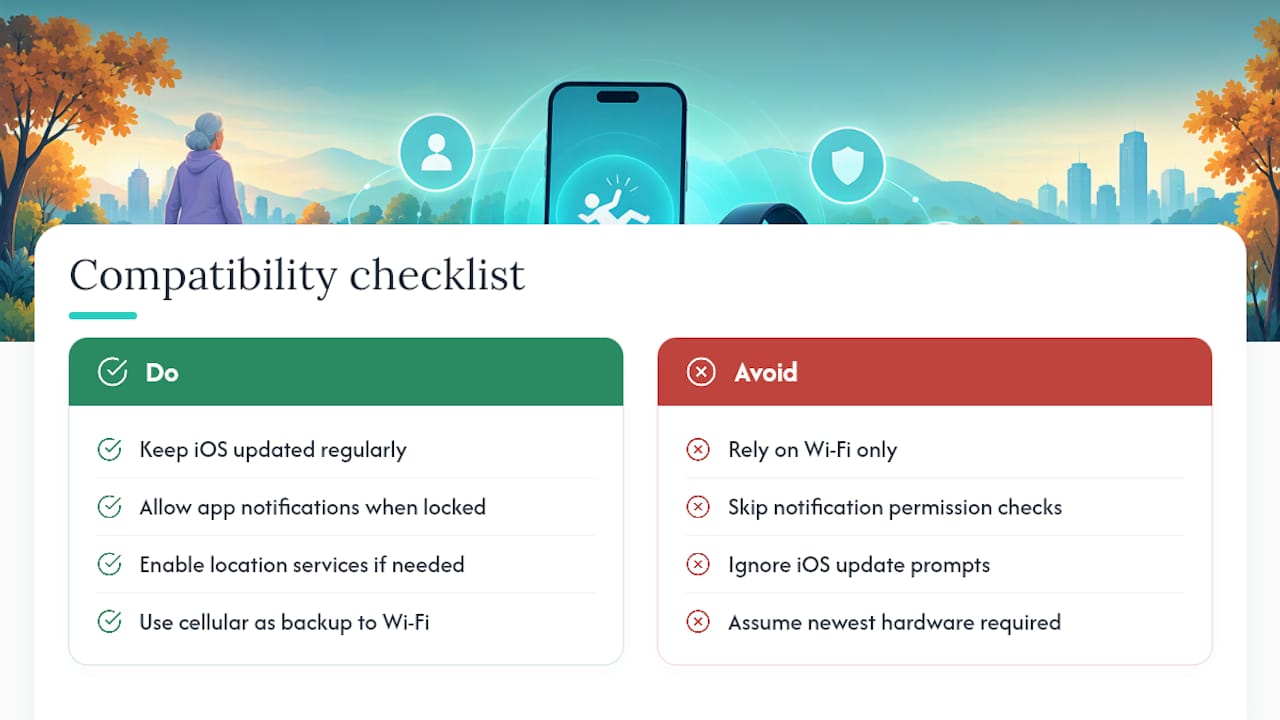
Most app-based check-in tools run comfortably on iPhones from the last several generations, since the core requirements are modest: a stable internet or cellular connection, notification permissions, and location services if GPS sharing is enabled. Apps generally specify a minimum iOS version in their App Store listing, and keeping iOS updated matters more than owning the newest phone model.
Older adults using an iPhone SE or an iPhone 11 will typically get the same core check-in experience as someone on a newer model, since the feature set relies on software, not on advanced camera or sensor hardware. What changes across models is battery life and screen size. A larger screen with bigger buttons tends to be easier for someone with vision changes, which matters more in daily practice than raw processing power.
Cellular connectivity deserves attention too. If the older adult relies on Wi-Fi only, a router outage or a forgotten reboot can silently break the check-in chain. A cellular data plan, even a modest one, adds a layer of redundancy that Wi-Fi alone doesn’t provide. Families should also confirm the app has permission to send notifications even when the phone is locked. It’s a common setup mistake: the app works perfectly during testing but goes quiet the next day because notification permissions reset after an iOS update.
How Does This Differ From Built-In iPhone Safety Features?
iPhone ships with its own emergency tools, including Emergency SOS, which lets someone hold a button combination to quickly call for help and notify emergency contacts. That feature is reactive. It requires the person to physically act during or right after an emergency, which isn’t always possible.
App-based daily check-ins work on a different principle: routine and absence. Instead of waiting for someone to press a button during a crisis, the app expects a button press every day and treats the absence of that press as the signal worth investigating. That distinction matters for older adults who might be too disoriented, injured, or asleep to trigger a reactive emergency tool but who will, on a normal day, remember to tap a simple confirmation.
The two approaches aren’t competitors. A phone’s built-in emergency tools handle the acute moment. A check-in app handles the everyday. Families building a full safety net usually want both configured, since neither one covers every scenario alone. Relying on just one leaves a gap that the other was designed to close.
How Does the Underlying Technology Actually Work?
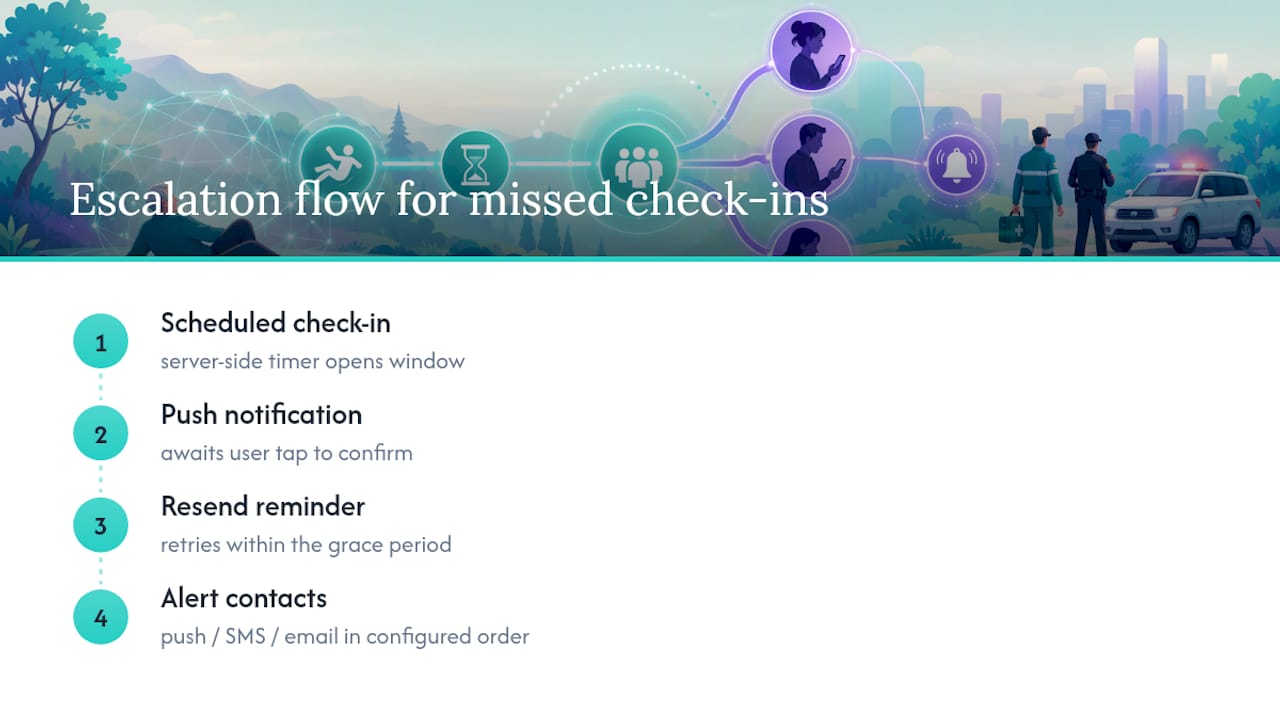
App-based check-in systems are simpler under the hood than people expect. There’s no accelerometer reading or fall-impact algorithm involved. Instead, the app runs on a scheduling and notification engine: a server-side timer tracks when the check-in window opens, sends a push notification through Apple’s notification service, and logs whether the user tapped to confirm within the set window.
When a confirmation doesn’t arrive, the app triggers a rules-based escalation, usually built as a simple decision tree. First it might resend the reminder. If that goes unanswered within the grace period, it fires an alert, typically via push notification, SMS, or email, to the contacts on file, in the order the family configured.
GPS location, when enabled, uses the iPhone’s standard Core Location services, the same system that powers Maps and other location-aware apps, and only shares that data at moments the user or family has explicitly authorized. Medication reminders run on the same scheduling logic as the check-in itself, just on a separate timer. None of this requires special hardware. It’s a software layer built on top of features every modern iPhone already has: reliable notifications, location services, and a stable network connection.
What Privacy and Data Security Questions Should You Ask?
Location and health-adjacent data deserve scrutiny before you hand over access. Ask any app directly: who can see check-in history, who can see GPS location, and how long that data is retained.
A well-built app gives the older adult control over what’s shared and with whom, rather than defaulting to broadcast-everything-to-everyone. Design research on proactive telecare systems backs this up: acceptability rises when users control their own sharing settings and aren’t forced into a one-size-fits-all visibility model.
Look for apps that state their data practices in plain language rather than dense legal text, and check whether location sharing can be turned off entirely if the older adult wants check-ins without GPS tracking. A clear terms and privacy policy should spell out exactly what’s collected and why. Encryption in transit and at rest is standard for any credible health-adjacent app in this category, and it’s worth confirming before enrollment rather than after.
Family members should also agree among themselves who actually needs access. Just because an app allows five people on the contact list doesn’t mean five people need to see live location data every day. Fewer eyes on sensitive data usually means fewer awkward conversations later.
How Should You Respond to a Missed Check-In Alert?
A missed check-in alert means one thing: a scheduled confirmation didn’t happen. It doesn’t mean an emergency occurred. Treating it as a strong signal worth checking, not a diagnosis, keeps the response calm and proportionate.
The right first move is a phone call. If the older adult picks up and everything’s fine, they simply forgot, a common and expected occurrence. If there’s no answer, move to the next step in the escalation plan: a nearby contact or neighbor who can check in person. Only after that step fails should someone consider contacting local emergency services.
Responding immediately with panic, or worse, skipping straight to 911 on the first missed alert, tends to backfire. It can make the older adult feel surveilled rather than supported, which research on telecare adoption flags as a real barrier to continued use. The goal is a measured, human response, not an automatic emergency trigger. Reviewing the alert history occasionally also helps families spot patterns, like consistent misses around the same time each week, that might point to a schedule that no longer fits the person’s routine.
Why Do False Positives and Missed Detections Happen?
Most reported problems with check-in apps trace back to a small number of causes, and nearly all of them are fixable. Notification permissions getting reset after an iOS update is one of the most common. If the app suddenly stops alerting anyone, check notification settings first before assuming the system failed.
Battery habits cause a lot of missed confirmations too. An older adult who charges their phone overnight but leaves it in another room during the day may simply not hear the reminder. Moving the charging spot near where they spend daytime hours often solves this without any app changes at all.
Connectivity gaps matter as well. A Wi-Fi router reboot, a lapsed cellular plan, or airplane mode accidentally left on will silently break the chain. Building in a periodic manual test, tapping the confirmation button together once a week, catches these issues before they become a real missed alert during an actual emergency. The feasibility trial data showing an average of seven missed presses over eight weeks reflects exactly this reality: misses are routine, not rare, and a good escalation plan absorbs them without causing alarm every time.
Balancing Independence and Safety When Someone Lives Alone
Feature lists matter less than most families assume. What actually keeps someone safe is a routine they’ll stick with and a family that has agreed, ahead of time, on what happens when a check-in gets missed. Respect the older adult’s preferences during setup. A short practice session, done together, builds trust that a manual never will. Use the app to support the relationships already in place, not to replace the phone calls and visits that matter more than any notification ever will.
— Brian
Why Well-Check Fits This Approach
Some check-in apps are built around dignity-first daily check-ins rather than surveillance that tracks every move. These apps center on one-tap “I’m okay” confirmations, missed-check alerts sent to configured contacts, optional GPS tracking, and medication reminders on simple schedules.
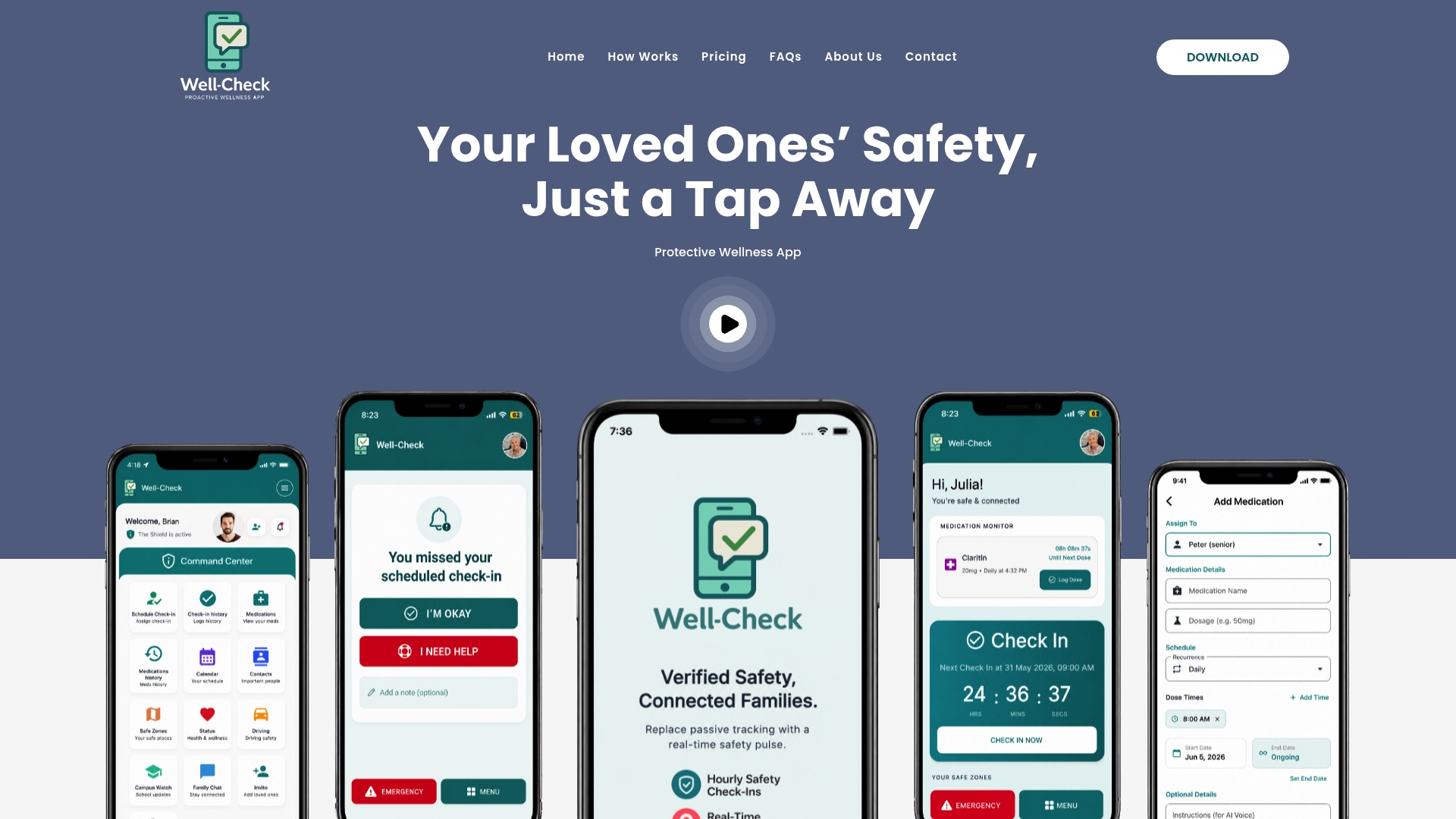
Some apps combine simplicity with features like caregiver analysis and configurable contact networks, avoiding a rigid one-alert-fits-all system. Setup guidance rather than technical manuals helps boost adoption with short, hands-on onboarding. If the checklist earlier in this guide sounds like what you’re after, look at how Well-Check works to see the check-in flow and escalation settings in action, or go straight to the Essential and Complete plans starting at $5.99 a month to start a trial today.
Sources
- Using a proactive telecare system to support independence, health, and well‑being in older adults: feasibility randomized controlled trial
- Services for older adults living at home | National Institute on Aging
- Falls (WHO fact sheet)
- Fall sensors, home emergency system, and social service for ≥75-year-olds living at home – a matched control intervention study
This article is general information, not a substitute for advice from a qualified doctor. Consult a qualified healthcare professional about your own circumstances before acting on anything here.
FAQ
Does iPhone Have Fall Detection Built Into Check-In Apps?
iPhone supports app-based check-in tools that function as fall detection through daily confirmations, missed-check alerts, and optional GPS sharing rather than automatic sensor detection. Apps like Well-Check run this coordination layer using standard iPhone notification and location services.
How Do I Enable Fall Detection Settings on iPhone?
Enabling app-based check-ins means downloading a check-in app, setting a daily confirmation time, and granting notification and location permissions. Well-Check’s setup process walks through choosing check-in times, adding emergency contacts, and turning on optional GPS sharing.
What’s the Best Fall Alert App for Seniors Living Alone?
The best fall alert app depends on reliability, simple one-tap confirmations, and a configurable contact network with clear escalation. Well-Check covers each of these with daily check-ins, missed-check alerts, medication reminders, and GPS tracking, with plans starting at $5.99 a month.
How Long Should the Grace Period Be for a Missed Check-In?
A grace period of around 15 minutes after a missed reminder is a commonly reported standard, giving enough time for someone who’s simply busy without triggering unnecessary alarm. Feasibility trial data shows missed presses are common, which is why a graduated call-first response works better than immediate emergency dispatch.
Can a Check-In App Replace Regular Visits or Phone Calls?
No. The National Institute on Aging notes that emergency alert and GPS services support but do not replace regular check-ins and human contact. An app works best as a coordination layer alongside visits, calls, and fall-prevention steps like strength training and home safety fixes.