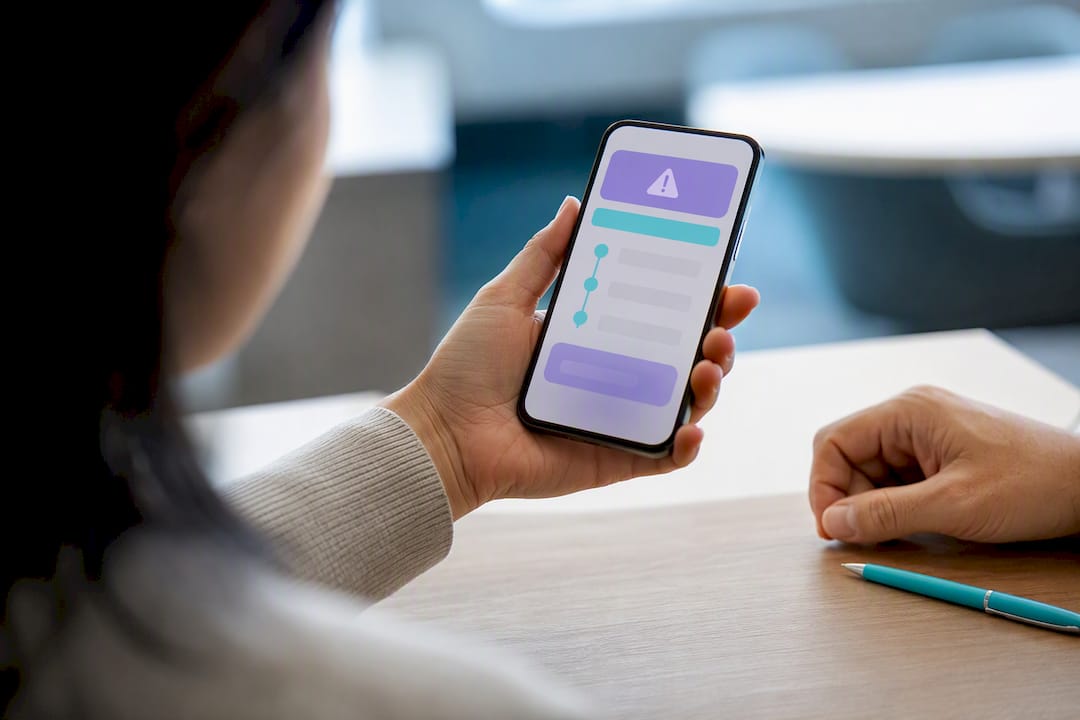
Emergency contact escalation is a sequence that alerts family and caregivers, in order, when an older adult misses a check-in or needs help. The right setup is a short, tiered contact chain with one named person who must acknowledge first, plus fixed timing thresholds for moving to the next contact. Apps like Well-Check run this sequence automatically, so no one is guessing who’s supposed to answer.
TL;DR:
- Escalation speed relies on rapid response channels, including immediate notifications, texts, automated calls, and direct calls to secondary contacts, to ensure timely aid.
- A four-tier contact plan prioritizes a primary responder who must acknowledge promptly, with backups in case of unavailability or delayed response.
- Key triggers such as fall detection or SOS presses should escalate directly to emergency services without awaiting family responses.
- Regular testing, updates, and drills are crucial for maintaining the reliability of the escalation plan over time.
- Well-Check automates this process with tiered alerts, GPS sharing, and audit logs, reducing guesswork and improving response effectiveness.
Table of Contents
- What Triggers an Emergency Contact Escalation?
- Building an Escalation Plan Families Can Copy
- Timing Thresholds and Notification Channels That Actually Work
- What Responders Should Say and Do
- Keeping the Plan Reliable Over Time
- How Well-Check Puts This Template Into Practice
- Family-Only Escalation vs. Professional Monitoring
- Getting Started With Well-Check’s Escalation Tools
- Sources
- FAQ
What Triggers an Emergency Contact Escalation?
An escalation should start the moment a specific, defined event happens, not after someone “feels worried.” Vague triggers create vague responses. Well-designed check-in apps watch for a set list of conditions and fire the escalation the instant one occurs.
The most common triggers include:
- Missed daily check-in: the user didn’t confirm they’re okay by the scheduled time.
- Emergency SOS: the user actively pressed a help button.
- Fall detection: sensors flagged a sudden, hard motion consistent with a fall.
- Geofence exit: the person left an approved zone, such as their home or neighborhood.
- Prolonged inactivity: no movement detected on a phone or wearable for an unusual stretch.
- Low device battery: the safety device is about to go dark, which is its own kind of risk.
Every alert is more useful when it carries context. GPS location, device battery status, the timestamp of the last successful check-in, and relevant care-plan notes (allergies, mobility issues, cognitive status) all help a responder act faster instead of calling around blind. That said, share only what the situation calls for. A geofence alert doesn’t need full medical history attached, and a missed check-in doesn’t need a live location ping if the person just forgot to tap a button. Enriched data speeds up rescue; oversharing just adds noise and risk. A structured escalation workflow that pairs the right trigger with the right data is what turns a basic alert into something a caregiver can actually act on.
Building an Escalation Plan Families Can Copy
A working plan has four tiers, and each one has a job. Skip a tier or blur the roles, and the whole chain gets slower right when speed matters most.
- Primary contact: usually the person geographically closest or most available during the day. They must acknowledge the alert in the app within the set window.
- Secondary contact: notified automatically if the primary doesn’t acknowledge in time. Often a sibling, adult child, or close friend.
- Tertiary contact: a wider circle, neighbor, or extended family member, for when the first two don’t respond.
- Final step: a monitoring center or emergency services, triggered if no one in the family chain responds within the maximum threshold.
Picking the primary responder isn’t about who loves the person most. It’s about who can realistically drop what they’re doing and respond within minutes, not hours. Name at least two backups in case the primary is traveling, sick, or asleep on a night shift.
Every escalation should leave a paper trail: who was notified, when, whether they acknowledged, what action they took, and the final outcome. This record matters for medical follow-up and for spotting weak links in the chain before they cause a real delay.
Pro Tip: Resist the urge to notify everyone at once. Mass-notify-first setups feel safer but usually backfire. A named primary responder speeds up acknowledgment because nobody assumes “someone else has it.”
Timing Thresholds and Notification Channels That Actually Work
Escalation speed depends on which channel you use and how long you wait between steps. A well-built ladder looks something like this:
- Immediate push notification to the primary contact.
- If no response within a few minutes, follow up with an SMS text.
- After additional minutes, escalate to an automated phone call.
- Subsequently, call the secondary contact directly, person to person.
- If no one in the chain has responded after all steps, escalate to emergency services.
Automated calls matter more than people expect. Push alerts and texts get silenced or buried under Do Not Disturb settings, but a ringing phone tends to break through even when a device is muted. Escalation guidance for lone-worker safety systems specifically recommends automated calls as a later-tier channel because they reach people who miss everything else.
Retry logic matters too. Repeating the same channel five times in five minutes trains contacts to ignore alerts, which defeats the entire system. Space out retries and rotate channels instead of hammering the same one.
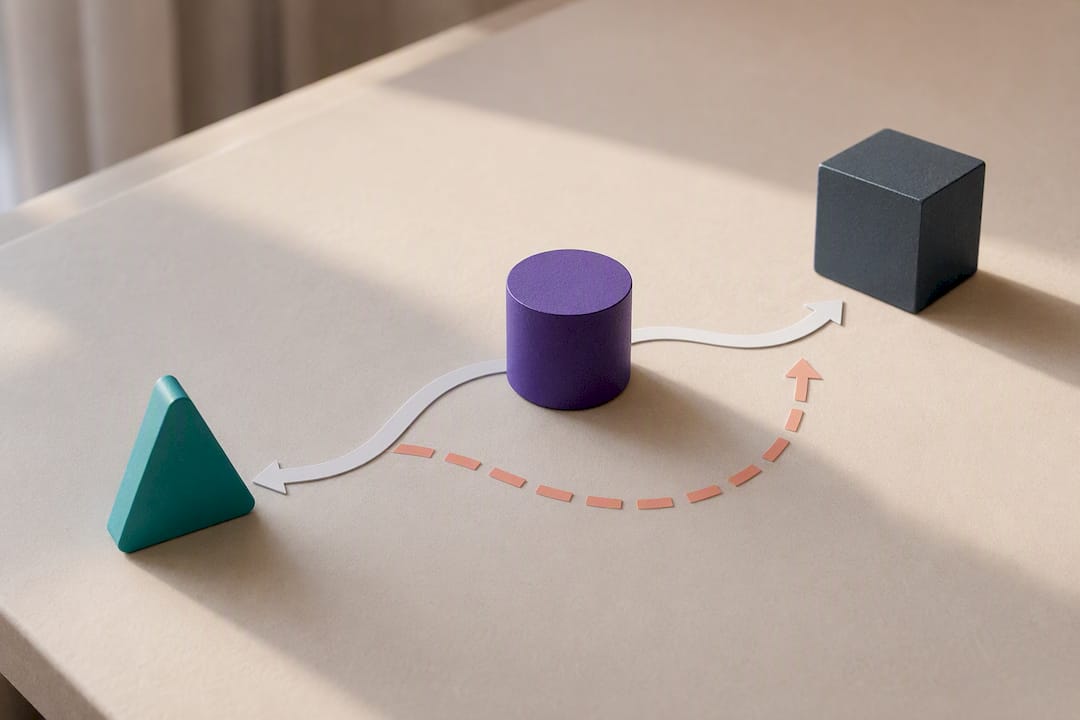
Some events skip the ladder entirely. An active SOS press, a confirmed fall, or an exit into a hazardous zone (a busy road, a body of water) should escalate straight to emergency services without waiting through three tiers of family calls. Time saved there can matter more than politeness about who gets called first. PERS research backs this up directly: reducing the time without help after a fall or medical event is one of the clearest benefits these systems provide.
What Responders Should Say and Do
Getting the alert is only step one. What a responder does in the next five minutes decides whether the system actually works.
- Acknowledge in the app immediately and note the time. This tells the system (and everyone downstream) that someone has taken ownership.
- Call and verify. Ask directly: Can you hear me okay? Where are you right now? Do you need an ambulance? Are you having any chest pain, dizziness, or bleeding?
- If there’s no answer, someone needs to physically check on the person. Bring a spare key, ID, and a charged phone. Don’t wait more than a few minutes deciding who goes; that’s what the secondary and tertiary tiers are for.
- Call EMS immediately if the person can’t be reached and there’s any reasonable suspicion of a medical event.
- Log the outcome once resolved, and flag anything that suggests the plan needs adjusting, like a contact who never answers.
Centralized triage systems that route minor events to a caregiver instead of straight to an ambulance have shown real value in reducing unnecessary transports, while reserving EMS calls for genuine emergencies.
Pro Tip: After any real escalation, however small, do a five-minute debrief with whoever responded. It’s the fastest way to catch a broken link in the chain before it costs you real time next time.
Keeping the Plan Reliable Over Time
An escalation plan that’s never tested is a guess dressed up as a safety net. Run a missed check-in drill when you first set things up, then repeat it monthly or quarterly depending on the person’s health risk.
- Update contacts whenever someone moves, changes jobs, or becomes unavailable during the day.
- Re-verify backup contacts at least once a year, even if nothing has changed.
- Check device battery, cellular or Wi-Fi signal, and firmware updates regularly.
- Confirm geofence boundaries still make sense if the person’s routine has shifted.
- Build in a clear, easy cancel window so an accidental trigger doesn’t turn into a chain of unnecessary calls.
Structured drills with defined thresholds and named operational owners consistently produce more reliable outcomes than plans that just sit untested in a settings menu.
How Well-Check Puts This Template Into Practice
Some wellness apps build this exact structure into their daily check-in system. A missed check-in automatically fires the trigger, and the app works through a tiered emergency contact list instead of blasting every contact at once.
- Missed check-ins can trigger alerts on a schedule set by the user.
- Tiered contact networks allow naming a primary responder and backups in order.
- GPS sharing provides responders location data when needed.
- Audit logs timestamp alerts, acknowledgments, and outcomes for review.
- Some systems include analysis features that flag patterns like repeated missed check-ins.
Enriched alert data like this cuts the guesswork out of a response, which is exactly what shortens downtime after a fall or medical event.
Family-Only Escalation vs. Professional Monitoring
Family-only escalation works well when the network is small, nearby, and genuinely reliable. It starts to strain when there’s no dependable local backup, the medical risk is high, or the caregivers themselves live hours away. In those cases, a 24/7 monitoring fallback isn’t overkill. It’s the missing tier. Whichever setup you choose, test it before you trust it. A plan that’s never been run through a drill is just an assumption.
— Brian
Getting Started With Well-Check’s Escalation Tools
Some apps are built specifically for the escalation pattern this article walks through: missed check-in alerts, a tiered emergency contact network, GPS sharing, and audit logs that track notifications. Instead of piecing together separate apps for reminders, location, and alerts, families can use one system that runs the tiers in order.
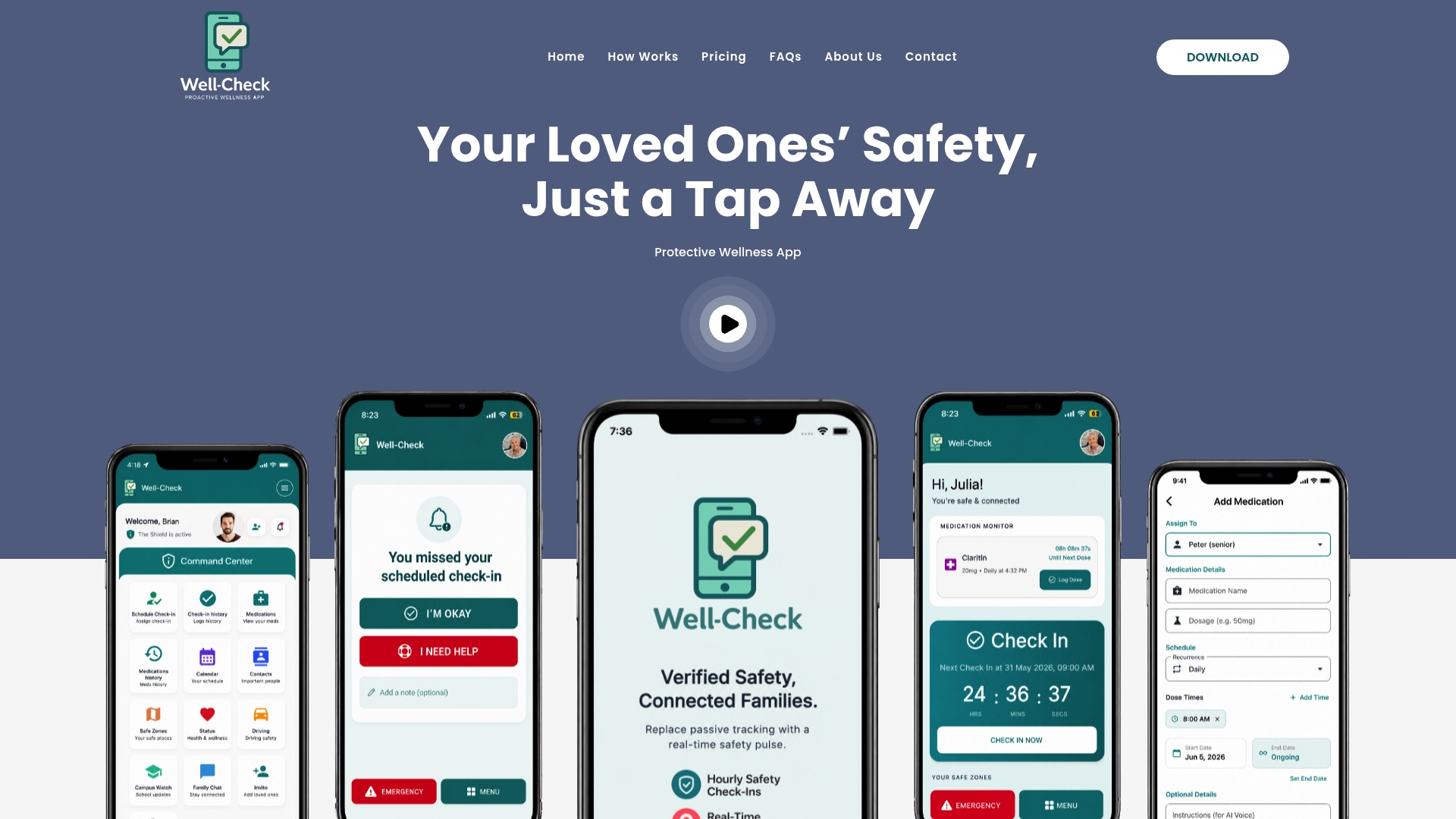
If you want to see how the check-in schedule, contact tiers, and alert timing actually work together, the how Well-Check works page breaks down the full flow. Families ready to set up a plan can compare options on the pricing plans page and pick a tier that matches how much monitoring their situation actually needs.
Sources
- Koch Wj. Emergency response system assists in discharge planning. PubMed.
- Evaluation of a Telemergency Service for Older People Living at Home: A Cross-Sectional Study
- PERS Alarm Escalation Workflow: From SOS Press to Caregiver Acknowledgement
- Manage lone-work alert escalations | Mitti Help Center
FAQ
What Is Emergency Contact Escalation?
It’s a sequence that alerts a tiered list of family members and caregivers, in order, when an older adult misses a check-in, triggers an SOS, or needs help, escalating until someone acknowledges and responds.
How Many Tiers Should a Family Escalation Plan Have?
Four tiers works well for most families: a named primary responder, a secondary backup, a tertiary wider-circle contact, and a final step involving a monitoring center or emergency services.
How Long Should Each Escalation Step Take?
A practical ladder moves fast, starting with an immediate push notification, followed by an SMS text within a few minutes, then an automated call after additional minutes, and subsequently a call to the secondary contact if no one has acknowledged.
Does Well-Check Handle Emergency Contact Escalation Automatically?
Yes. Well-Check triggers alerts from missed check-ins, then works through a tiered contact list with GPS sharing and audit logs, so families don’t have to manually track who’s been notified.
When Should an Escalation Skip Straight to Emergency Services?
Skip the family tiers entirely for an active SOS press, a confirmed fall, or a hazardous geofence exit. Waiting through multiple contact attempts in those cases can cost time that actually matters.