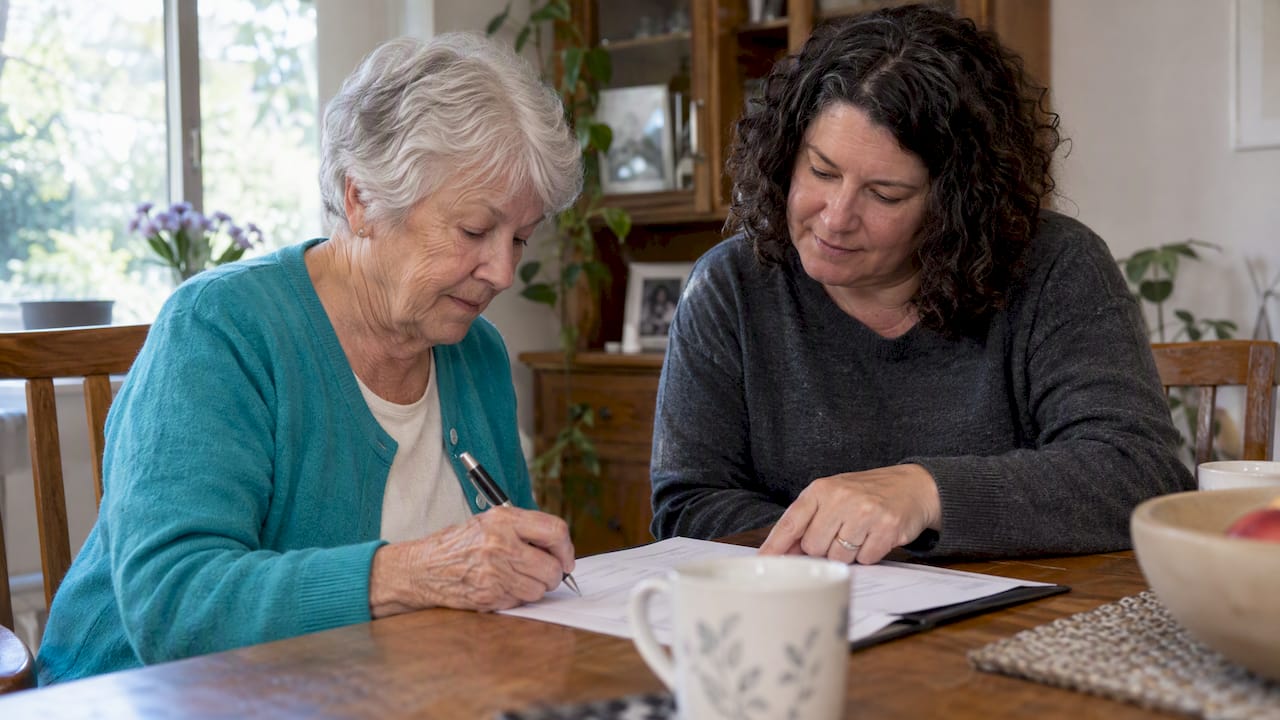
A family monitoring agreement is a short written plan that names check-in frequency, emergency and backup contacts, an escalation pathway, and who does what for an older adult living alone. It works best when it pairs regular human contact with clear backups and only as much technology as the person wants. Many families use an app like Well-Check to automate daily check-ins and missed-check-in alerts alongside the plan.
TL;DR:
- Assign one named person to each task, confirm every commitment aloud, and give each role a backup who can cover travel, illness, or limited availability.
- Retry within 30 minutes, contact primary helpers by 90 minutes, arrange a neighbor visit by four hours, and call emergency services after four hours or for danger.
- Treat apps and devices as support, not substitutes; name a human fallback, assign weekly device checks, and specify who receives alerts and shared data.
- Keep medication, diagnosis, provider, and legal records together with a spare key; store physical and secure digital copies, reviewing them every 3 to 6 months or after health changes.
- Ask the older adult to choose contacts and monitoring methods, limit continuous location sharing to documented safety needs, and revisit consent every few months.
Table of Contents
- What to include in the checklist
- Assigning roles and backups that actually hold up
- Where technology fits, and where it falls short
- Escalation pathway after a missed check-in
- Building the emergency packet
- Writing privacy and consent into the agreement
- A fill-in agreement template you can use tonight
- Start with a 45-minute family meeting tonight
- How Well-Check fits into your family’s plan
- FAQ
- Sources
What to include in the checklist
A written agreement only works if it covers the same ground every time, so start with a checklist you can fill in during one sitting.
- Contacts: primary contact, 2 to 3 backups, local emergency numbers, and every healthcare provider’s name and phone number.
- Check-in rules: the time of day, the method (call, text, or app), how long before a missed check-in counts as missed, and who logs each response.
- Medical snapshot: current diagnoses, medications, prescribing providers, and the location of advance directives and powers of attorney.
- Storage and updates: where the physical copy lives, who has digital access, and how often the family reviews and updates it.
The National Institute on Aging’s caregiver handbook recommends that a family agreement cover regular check-ins, medication and appointment support, home safety concerns, emergency contacts, and backup caregivers, with responsibilities split among family, friends, neighbors, and professionals. Building a verified emergency contact list with three to five people before you draft anything else makes the rest of the checklist go faster.
Assigning roles and backups that actually hold up
Vague plans fail at the worst moment. A family agreement works only when real names are attached to real tasks and every person has said yes out loud.
- Name one person per task. Instead of “family checks in,” write “Maria calls every morning at 9 AM” and “Tom picks up prescriptions on the first of the month.”
- Build a simple roster. A shared calendar or a rotating on-call list keeps the schedule visible and prevents two people from assuming the other covered a day.
- Write down real limits. If someone can only help on weekends or can’t drive at night, note it so the plan doesn’t rely on an assumption.
- Assign a backup for every role. If the primary caregiver gets sick, travels, or burns out, someone else needs to already know they’re next.
AARP’s caregiving guidance stresses negotiating commitments up front and documenting what each helper will actually do, including a plan for dividing caregiver tasks when the usual helper is unavailable, rather than discovering the gap during an emergency.
Pro Tip: Run through one practice scenario, like a missed morning check-in, and have each named backup respond as if it were real. Gaps show up fast.
Where technology fits, and where it falls short
Apps, medical alert devices, and GPS trackers can carry a lot of the daily workload, but they work alongside your plan, not instead of it.
- Automated check-ins replace some daily calls with a tap or a button press, freeing family members from manual tracking.
- Missed-check-in alerts notify a chosen contact automatically, so no one has to remember to check.
- Medication reminders help with routine adherence, while GPS features support families managing a wandering risk.
- Known limits: devices must be worn and charged, connectivity can drop, and false alarms happen, so a human fallback always needs to be named.
NIA and AARP both note that emergency systems cannot replace regular human check-ins, and their usefulness depends on correct setup, a charged battery, a working connection, and a clear response procedure. AARP’s device guidance also recommends assigning one person to own weekly maintenance checks, confirming the device is charged and connected, which matters whether you choose a check-in app, a medical alert, or both. Decide ahead of time exactly who receives each alert type and what they’re supposed to do when one arrives, and write a short privacy note on when location or health data gets shared and with whom.
Escalation pathway after a missed check-in
A missed check-in means nothing without a timed sequence everyone has agreed to in advance.
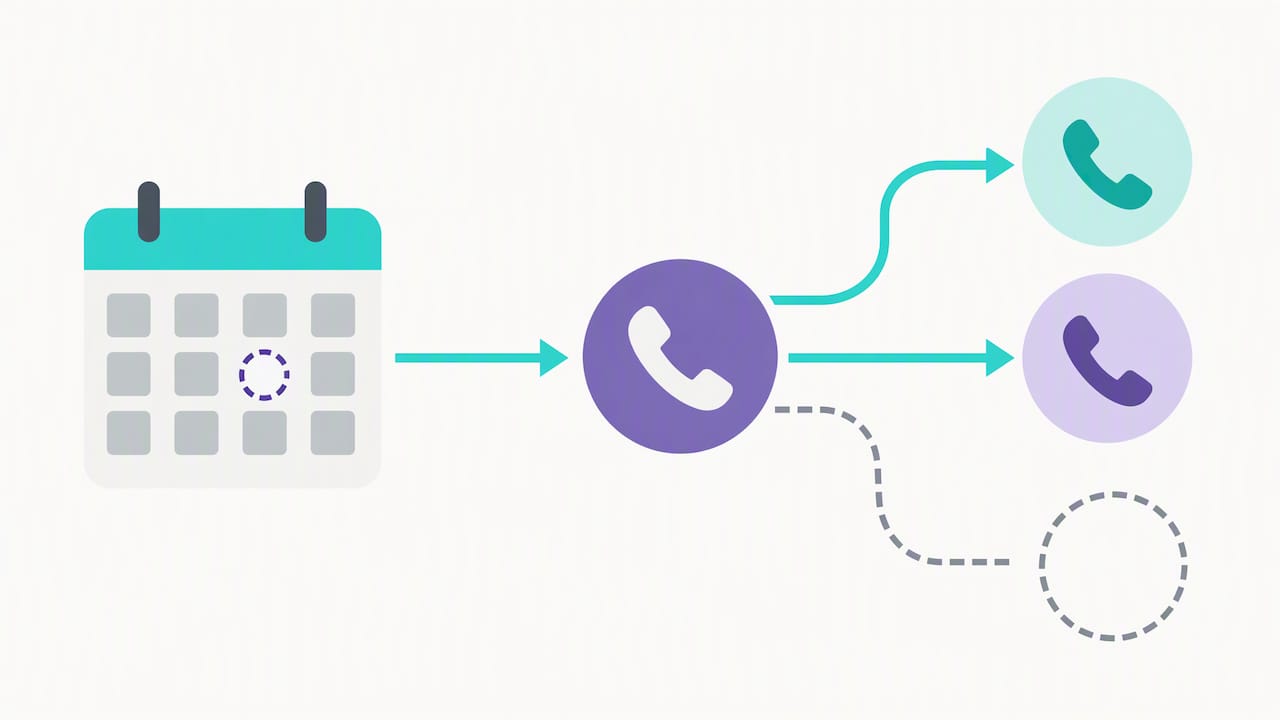
- 0 to 30 minutes: retry the call or text once or twice.
- 30 to 90 minutes: primary contacts call directly and try alternate numbers.
- 90 minutes to 4 hours: a neighbor or backup contact does an in-person visit.
- Past 4 hours, or any sign of danger: call emergency medical services.
NIA’s guidance points out that the escalation pathway is the part families most often skip, and recommends naming who will physically check the home before anyone calls emergency services, which keeps the response proportionate and avoids unnecessary EMS activations. Build in a fallback for power or internet outages, such as a landline number or a prearranged neighbor check, and name one person to log every attempt and mark the event resolved once contact is confirmed. If missed check-ins become frequent, that’s the signal to bring in home health support, a geriatric care manager, or a monitored alert service.
Building the emergency packet
Responders move faster when the right records are already assembled and easy to find.
- Contents: medication list, diagnoses, provider contacts, insurance ID numbers, legal documents, a spare key, and pet care notes if relevant.
- Storage: one physical copy inside the home, one with a trusted family member, and a secure digital copy backed up elsewhere.
- Review cadence: every 3 to 6 months, or immediately after any health change.
- Labeling: mark the folder clearly so a neighbor, EMT, or visiting relative can find it without searching.
The NIA’s worksheet on important documents recommends keeping medication lists, legal papers, and provider information together in one place and reviewing them on a set schedule rather than waiting for a crisis to prompt an update.
Writing privacy and consent into the agreement
Monitoring should protect safety without taking over someone’s life, and the agreement should say so in plain language.
- State what’s shared. Write out exactly what information (location, check-in status, medication logs) goes to whom.
- Involve the older adult. Ask them to help choose trusted contacts and the monitoring method rather than presenting a finished plan.
- Limit continuous tracking. Reserve always-on location sharing for a documented safety reason, and name who can turn it on or off.
The World Health Organization frames safety monitoring for older adults as something that should protect social connection and independence, not just catch emergencies after they happen.
Pro Tip: Put a consent check-in on the calendar every few months so the arrangement keeps matching what the older adult actually wants.
A fill-in agreement template you can use tonight
Copy these fields into a document and fill them in together.
- Names and roles: who is primary, who is backup, who handles what.
- Contact list: phone numbers for family, neighbors, providers, and emergency services.
- Check-in schedule and response window: time, method, and how long before a check-in counts as missed.
- Escalation timeline: named people at each step, matching the timeline above.
- Medical snapshot and legal documents location: where originals and copies live.
- Storage and update rules: who updates the document and how often.
- Signatures and review date: everyone involved signs, with a date to revisit the plan.
| Scenario | Trigger | First action |
|---|---|---|
| Missed morning check-in | No response by 9:30 AM | Backup contact calls, then visits within 4 hours |
| Travel weekend | Primary contact unavailable Friday to Sunday | Named backup takes all check-ins for that window |
After signing, test one alert end to end, confirm both backups know their role, and store copies in the agreed spots. A quick-start safety checklist can help you move from template to working plan the same night.
Start with a 45-minute family meeting tonight
You don’t need a lawyer or a perfect draft to get this done. Gather whoever’s available for 45 minutes: spend 10 minutes confirming emergency contacts, 10 minutes agreeing on check-in times and response windows, 10 minutes naming two backups, and the last 15 minutes picking a storage spot and testing one alert end to end, whether that’s a phone tree or a family emergency alert in an app. A plan with two solid commitments tonight beats a flawless one that never gets written.
— Brian
How Well-Check fits into your family’s plan
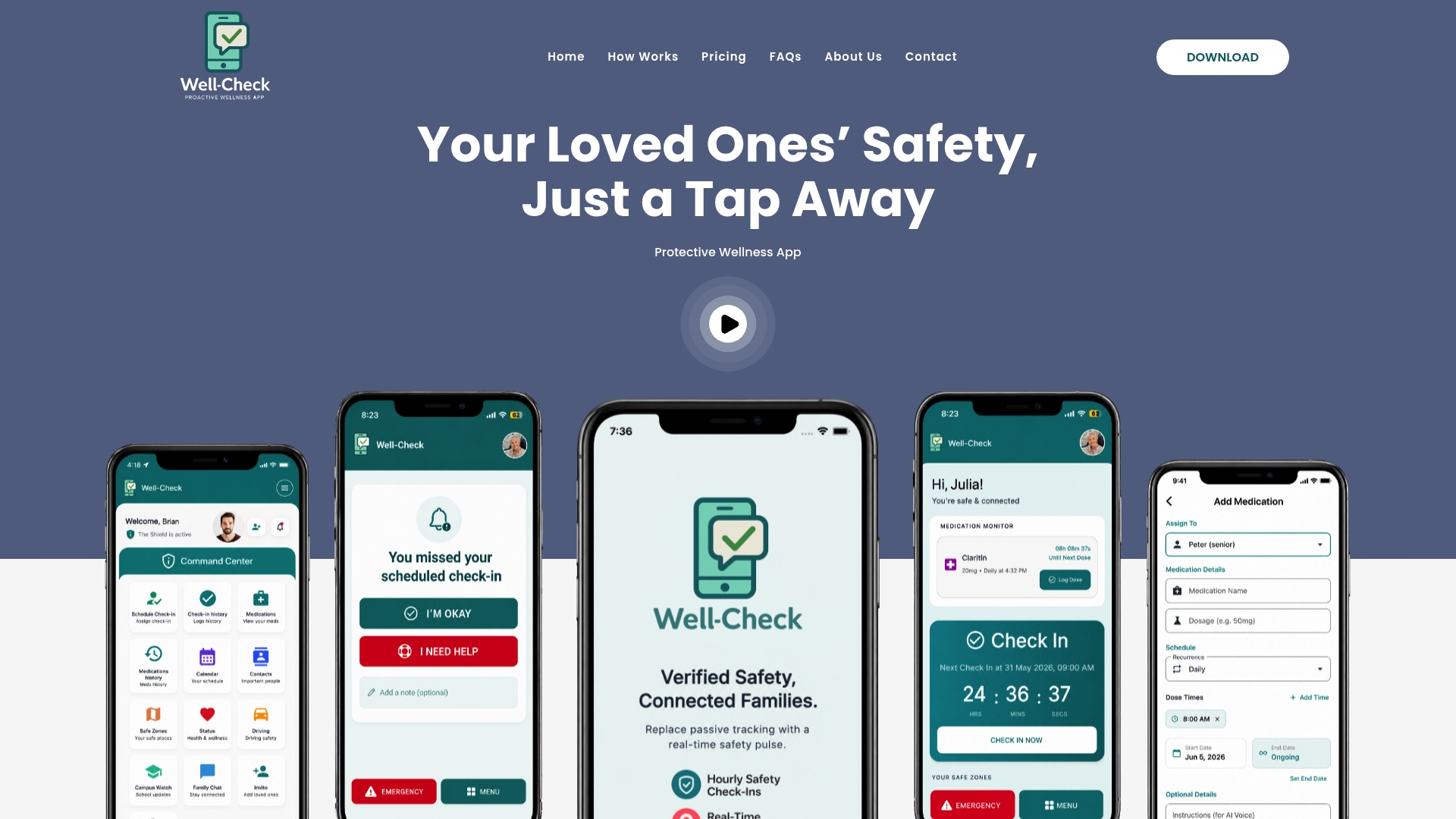
Well-Check gives families a way to put the check-in and escalation parts of the agreement into daily practice. A one-tap “I’m okay” button covers the daily check-in, missed-check-in alerts notify the contacts you’ve assigned, and medication reminders support the medical side of the plan. Escalation settings, optional GPS, and privacy controls let you match the app to the dignity-first approach the rest of the agreement is built on, so monitoring stays a safety net rather than surveillance. Test your family’s alerts and see which plan fits on our pricing page.
FAQ
What should a family monitoring agreement include?
It should list check-in frequency and method, primary and backup emergency contacts, an escalation timeline, assigned caregiver roles, a medical snapshot, and where legal documents are stored. The NIA caregiver handbook recommends dividing these responsibilities among family, friends, neighbors, and professionals rather than leaving them unassigned.
How often should check-ins happen?
Frequency depends on the person’s health and risk level, but daily contact through a call, text, or app is common for someone living alone. The method matters less than consistency and a clear response window everyone has agreed to.
Can technology replace in-person check-ins?
No. Devices and apps support the plan but depend on being worn, charged, and connected, and NIA and AARP guidance both note that emergency systems work best alongside, not instead of, regular human contact.
How do we keep monitoring from feeling like surveillance?
Involve the older adult in choosing contacts and methods, limit continuous location sharing to documented safety needs, and revisit consent periodically. The WHO’s guidance on social isolation frames monitoring as a way to preserve connection and independence, not just detect emergencies.
What does Well-Check cost?
Well-Check offers an Essential plan at $5.99 per month and a Complete plan at $7.99 per month, both covering daily check-ins and alert features described on the pricing page.
Sources
- Caregiver Handbook — National Institute on Aging (NIA)
- WHO: reducing social isolation and loneliness among older people
- Alzheimer’s.gov — Technology and emergency systems guidance (NIA link)