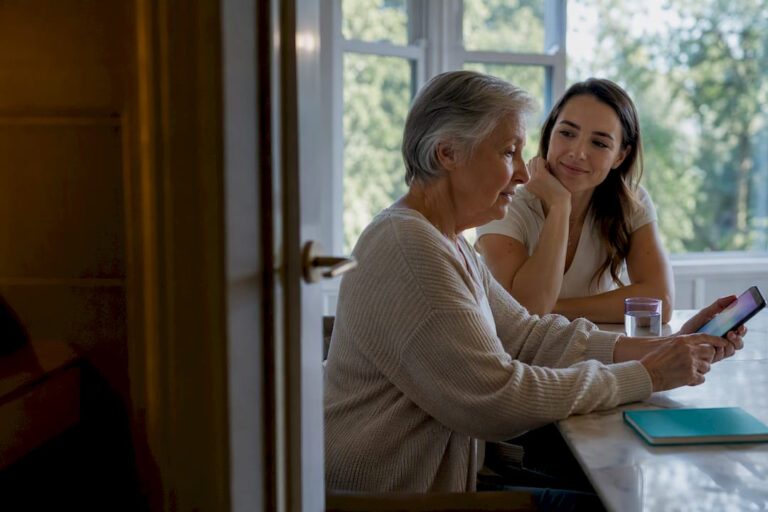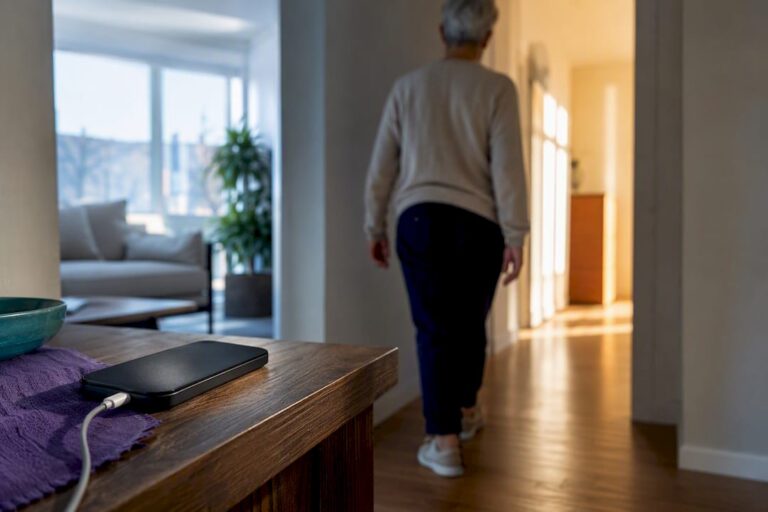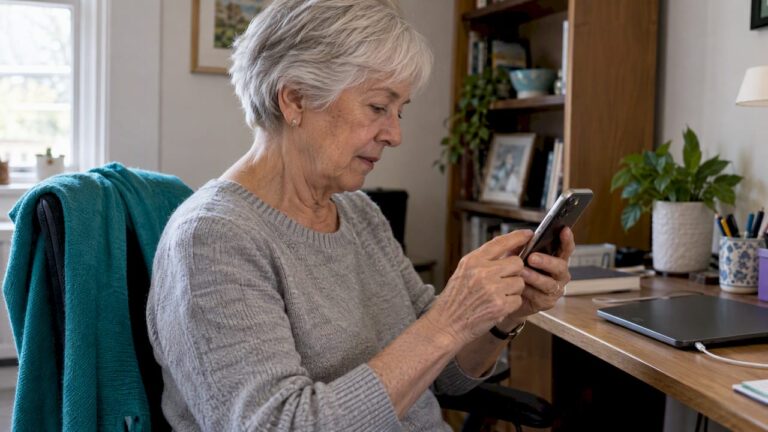
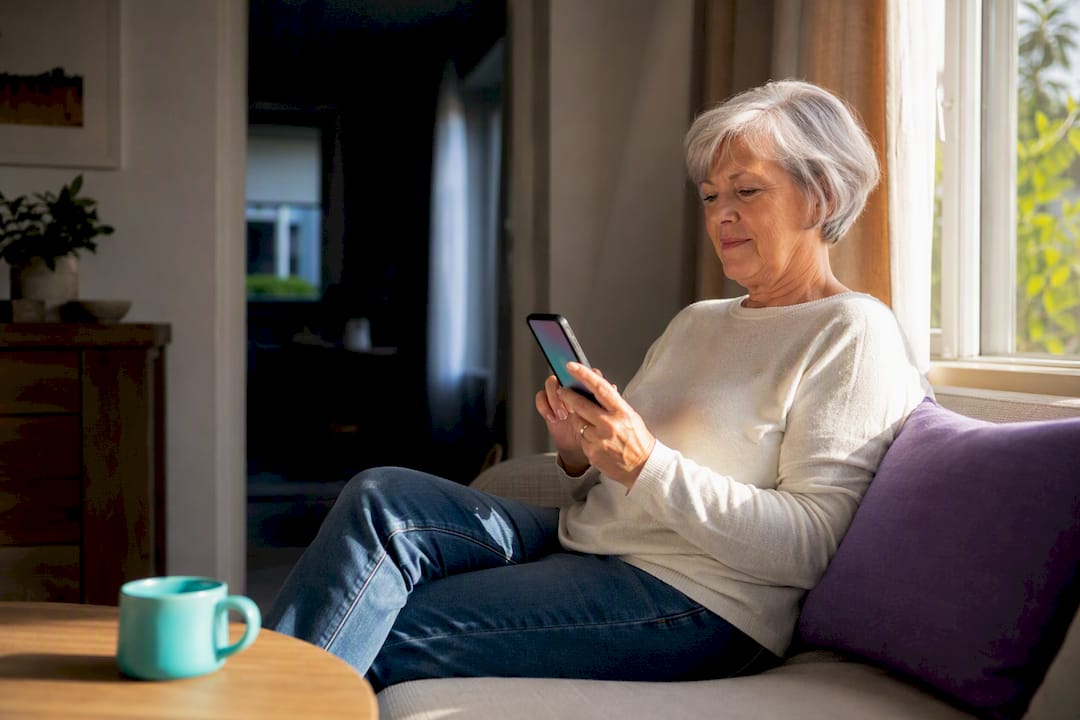
A daily check-in app is the right call when what your family needs is routine reassurance and fast escalation, not a one-time safety visit. The best ones combine daily check-ins, missed-check alerts, medication reminders, GPS location, and one-tap emergency contact. Well-Check builds all five into a single subscription, which is why it’s the standard families compare everything else against.
TL;DR:
- Check-in apps provide automatic escalation from gentle reminders to emergency contacts, reducing the need for frequent welfare checks.
- Features like medication confirmation, GPS tracking, and accessible controls should be tested during trials to ensure reliability and customization.
- Privacy and data security concerns remain significant barriers; families should verify data collection, access, and fallback protocols before subscribing.
- These apps work best for independent seniors or those with light medical needs, while in-person care is still necessary for complex or urgent health situations.
- The monthly cost of a subscription is typically lower than the total expenses associated with emergency responses and family stress from missed early warnings.
Table of Contents
- Check-In App vs Welfare Check: What Each One Actually Does
- Quick Feature Checklist: What to Look For Before You Subscribe
- What the Research Shows About Benefits and Limits
- Privacy, Reliability, and Usability: The Real Barriers
- How to Choose the Right Check-In App: Questions and Red Flags
- Setting Up Your Check-In Routine: A Step-by-Step Checklist
- Pros and Cons: Check-In App vs Welfare Check Side by Side
- Who Actually Needs Which: Matching the Tool to the Situation
- Cost Comparison: What Each Option Actually Costs Over Time
- Author Perspective: Where Apps Help Most and When In-Person Care Still Matters
- Why Well-Check Covers the Whole Checklist
- Sources
Check-In App vs Welfare Check: What Each One Actually Does
A welfare check is a single event. Someone, usually a neighbor, family member, or police officer, goes to a person’s home to confirm they’re safe after a missed call or a worrying gap in contact. It’s reactive by design: something already seemed wrong before anyone acted.
A check-in app flips that sequence. Instead of waiting for a scare, it builds a daily rhythm of low-effort confirmations (“I’m okay” taps, automated check-in windows) and escalates automatically the moment one gets missed. That’s the core difference between check-in apps and a traditional welfare check: one is continuous monitoring with a built-in alarm system, the other is a manual response to an already-existing concern.
Both can matter. A welfare check is still the right move when someone has gone completely silent, isn’t answering calls, and no one has current visibility into their status. A check-in app exists so that situation happens far less often, because someone gets notified before three days of silence become a crisis.
Quick Feature Checklist: What to Look For Before You Subscribe
Not every app calling itself a “wellness check-in” tool does the same job. Before comparing check-in tools, confirm the app covers these basics:
- Check-in method: manual taps, automated scheduled prompts, or both, so the routine fits the person’s habits, not the other way around.
- Missed-check escalation: a defined sequence, not just a single notification, that moves from a gentle reminder to a caregiver alert to emergency contact.
- Medication reminders: separate from the check-in itself, ideally with confirmation that a dose was taken.
- One-tap emergency button: accessible without navigating menus, especially during a fall or sudden symptom.
- GPS and location context: useful for caregivers coordinating with multiple contacts or verifying a location during an alert.
- Accessibility and caregiver controls: large text, simplified modes, and the ability for a family member to adjust settings remotely.
Test all six during any free trial before committing to a subscription. If an app hides its escalation logic or won’t let you preview it, that’s worth noting before you pay for a full year.
What the Research Shows About Benefits and Limits
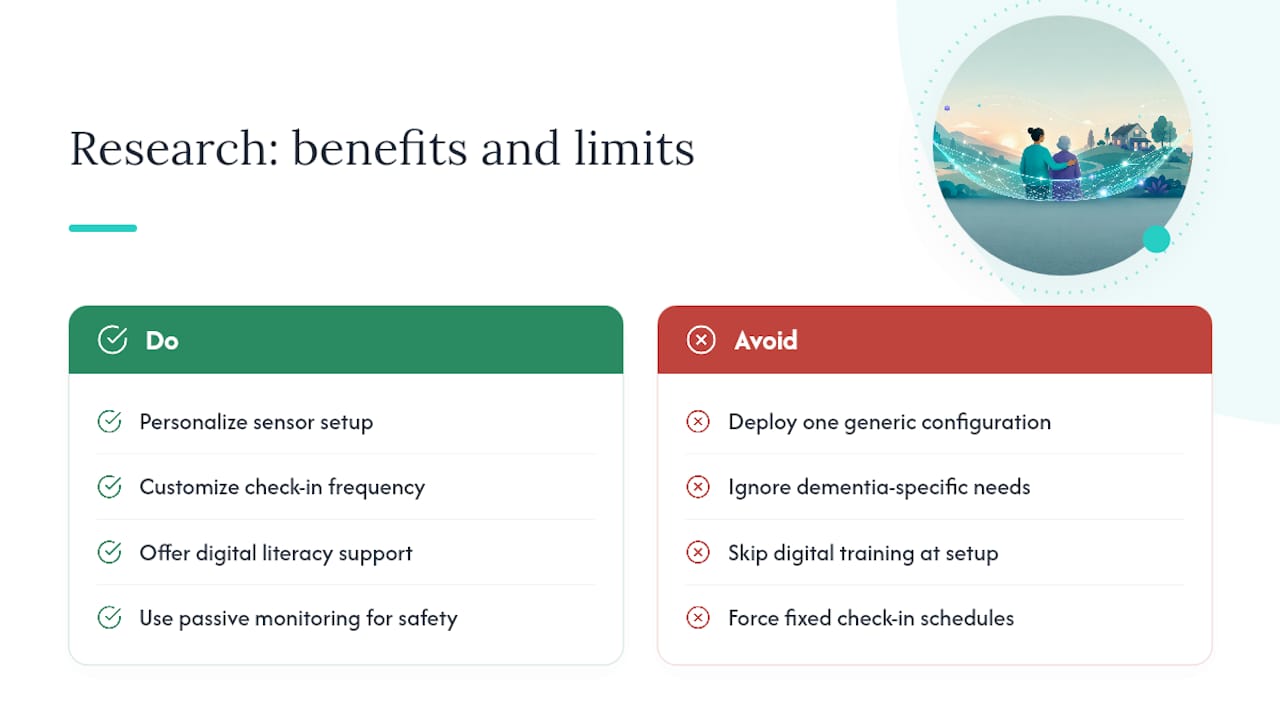
Remote monitoring technology has a real, if uneven, evidence base. A systematic review of smart home and monitoring technologies for aging in place covering 30 studies found consistent support for safety detection, physiological monitoring, and social or cognitive benefits, but the outcomes varied widely depending on the specific technology and the population using it.
That variation matters more than it sounds. A scoping review of integrated smart home systems found that ambient sensors, wearables, and AI-driven detection work best when the setup is personalized to the individual rather than deployed as one generic configuration. A check-in schedule that suits an active 68-year-old living alone will frustrate someone managing early cognitive decline.
That’s where dementia care needs a different approach entirely. Mixed-methods evaluations of remote activity monitoring for dementia caregivers found the tools gave caregivers real peace of mind, but only after the check-in frequency and prompts were customized for that specific diagnosis.
The caregiver-satisfaction signal is strong. Families using passive remote monitoring reported high satisfaction and clear perceived utility for safety and peace of mind, with satisfaction climbing further when the sensor mix or check-in style could be customized rather than forced into a single template.
Digital health tools also show measurable benefits beyond safety alone. A 2025 review of technology-based integrated care found older adults living alone saw gains in physical activity and chronic disease self-management, provided they got adequate digital literacy support during setup. That last condition isn’t a footnote. It’s the difference between a tool that gets used and one that gets abandoned after two weeks.
Privacy, Reliability, and Usability: The Real Barriers
Every family asks the safety question eventually: who sees this data, and what happens if the app fails at the wrong moment? Both concerns are legitimate, and both have practical fixes.
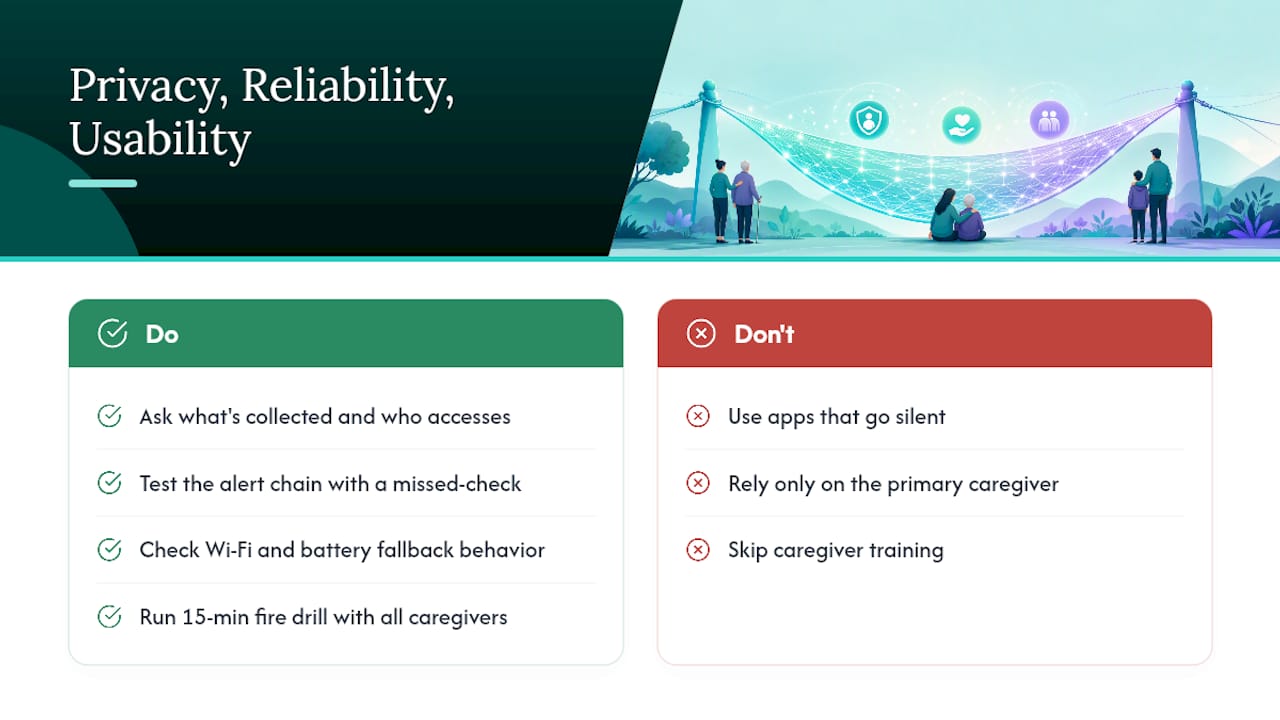
On privacy, ask exactly what’s collected (location history, check-in timestamps, medication logs), who can access it, and whether data is shared with third parties beyond the caregiver network you set up. A systematic review of smart home adoption factors identifies privacy concerns as one of the top reasons families hesitate to adopt these tools at all, right alongside cost and technical reliability.
On reliability, test the alert chain before you need it. Send a test missed-check alert and confirm it reaches every contact on the list, in the right order, within a reasonable window. Check what happens if Wi-Fi drops or a phone battery dies. A good app has a fallback path; a mediocre one just goes silent.
Usability is the barrier caregivers report most often. A qualitative study on caregiver challenges with digital health tools found poor interface design was a bigger obstacle than the technology itself, and that caregiver-specific training sharply reduced delayed responses to real alerts.
Pro Tip: Run a 15-minute “fire drill” with every caregiver on the contact list, not just the primary one. Have them walk through what a missed-check alert looks like on their phone before it happens for real. Confusion during an actual emergency costs minutes you don’t have.
How to Choose the Right Check-In App: Questions and Red Flags
Picking an app isn’t about finding the one with the most features. It’s about finding the one whose escalation logic, pricing, and support actually match how your family functions. Work through these in order.
- Ask how escalation is sequenced. Does it go straight to 911, or does it move through caregiver contacts first? Most families want a middle step before emergency services get involved for every missed check.
- Ask where data lives and who can access it. Get a straight answer on data location and third-party sharing, and check the terms and privacy details directly rather than relying on marketing copy.
- Ask about accessibility settings. Can text size, contrast, and prompt frequency be adjusted for someone with low vision or early memory changes?
- Ask about customer support hours and response time. A missed alert at 2 a.m. needs a system that works at 2 a.m., not just business hours.
- Ask about the trial and cancellation terms. A real trial should let you test the full escalation sequence, not just the check-in button.
- Ask about local emergency integration. Does the app connect to regional emergency services, or does it only notify personal contacts?
Red flags worth walking away from: no visible escalation logic before you sign up, vague or missing privacy documentation, no way to test alerts during the trial, and support that only responds during standard business hours despite selling a safety product.
Setting Up Your Check-In Routine: A Step-by-Step Checklist
Getting the app installed is the easy part. Making it a reliable daily habit takes a bit more structure.
Setup checklist:
- Confirm the senior’s device has a stable connection and enough battery life to last through the day.
- Add every caregiver and emergency contact, in the order they should be notified.
- Set the check-in schedule to match actual daily habits (morning coffee, not an arbitrary 9 a.m. slot).
- Load medication reminders with actual dose times, not a generic morning/evening split.
- Send a test alert to confirm the full chain works before relying on it.
Maintenance routine: Review the contact list monthly, since phone numbers and caregiver availability change more often than families expect. Run a test alert quarterly, and after any phone upgrade or number change.
Simple escalation template: immediate in-app prompt to the senior, then a call to the primary caregiver, then a secondary family contact, then an approved neighbor or paid caregiver, then emergency services. That order balances speed with giving the person a real chance to respond before the calls start stacking up.
Pros and Cons: Check-In App vs Welfare Check Side by Side
A check-in app’s biggest strength is frequency. It checks in every single day, which means a missed dose, a fall, or a confused morning gets flagged within hours instead of days. Its main weakness is that it depends on functioning hardware, a charged phone, and a person willing to tap a button or respond to a prompt. If someone refuses to engage with the app, it can’t help.
A welfare check’s strength is that it’s not dependent on technology at all. Someone physically confirms a person’s condition, which matters when there’s no substitute for eyes on the situation, like suspected medical distress or a fall with no way to signal for help. Its weakness is timing: by the time a welfare check happens, hours or days may have already passed since the last confirmed contact, and dispatching an officer or asking a neighbor to check isn’t something you can do every day without straining relationships or resources.
The two aren’t really competitors. A check-in app reduces how often a welfare check becomes necessary in the first place, and when one is needed, the app’s location data and recent check-in history give responders useful context they wouldn’t otherwise have.
Who Actually Needs Which: Matching the Tool to the Situation
An independent senior living alone with mild health concerns and an engaged adult child nearby is the clearest case for a check-in app. Daily taps, medication reminders, and automatic escalation cover the everyday reassurance that family checking in by phone every day can’t sustain long term.
A busy professional living solo, far from family, fits a similar profile. The app fills the gap that distance creates, and GPS context gives out-of-town relatives something concrete instead of guessing.
College students living off-campus for the first time, or someone recovering from a recent hospital discharge, benefit from the same daily structure during a defined higher-risk window, even if the need eventually fades.
Where an app alone falls short: someone with advanced dementia who can’t reliably operate a phone, a person with frequent complex medical needs requiring hands-on intervention, or someone actively in medical crisis. In those cases, a welfare check, a home health aide, or emergency services are the right tool, and the app becomes a supplement that tracks patterns between visits rather than the primary safety net.
Cost Comparison: What Each Option Actually Costs Over Time
A welfare check itself is typically free when performed by police or a concerned neighbor, but that’s misleading as a total cost comparison. The real expense shows up in what happens around it: missed early warning signs that turn into an ER visit, the emotional cost of a family member driving across town on short notice, or the strain of asking a neighbor for repeated favors.
A check-in app runs as a recurring subscription, generally priced far below a single urgent care visit or ambulance call, and that cost buys daily coverage instead of a single point-in-time check. Well-Check structures its pricing plans around this exact trade-off, covering individuals, families managing care for a relative, and organizations like assisted living communities that need monitoring at scale.
Add up what a family actually spends in a bad month without daily monitoring: time off work to drive over and check in person, the cost of a preventable hospital visit that daily medication reminders might have avoided, or the toll of asking the same neighbor for the third welfare check this year. Measured against that, a modest monthly subscription that catches problems within hours instead of days is the cheaper option almost every time, even before counting the reduction in family stress.
Author Perspective: Where Apps Help Most and When In-Person Care Still Matters
Check-in apps work best for independent seniors who have at least one engaged caregiver checking the data regularly. Where they fall short is anyone needing frequent hands-on care or complex medical intervention. No app replaces a nurse changing a dressing or a family member physically present after surgery.
The smartest setups I’ve seen combine both: daily app monitoring for routine reassurance, plus scheduled in-person visits for anything that requires actual hands. Treat the app as the early warning system, not the whole plan.
— Brian
Why Well-Check Covers the Whole Checklist
Well-Check was built around the exact criteria this article walks through, not retrofitted to match them afterward. It runs daily check-ins with flexible scheduling, escalates automatically through your family’s contact list when one gets missed, and pairs that with medication reminders, GPS location, and smart caregiver analysis that flags unusual patterns before they become emergencies.
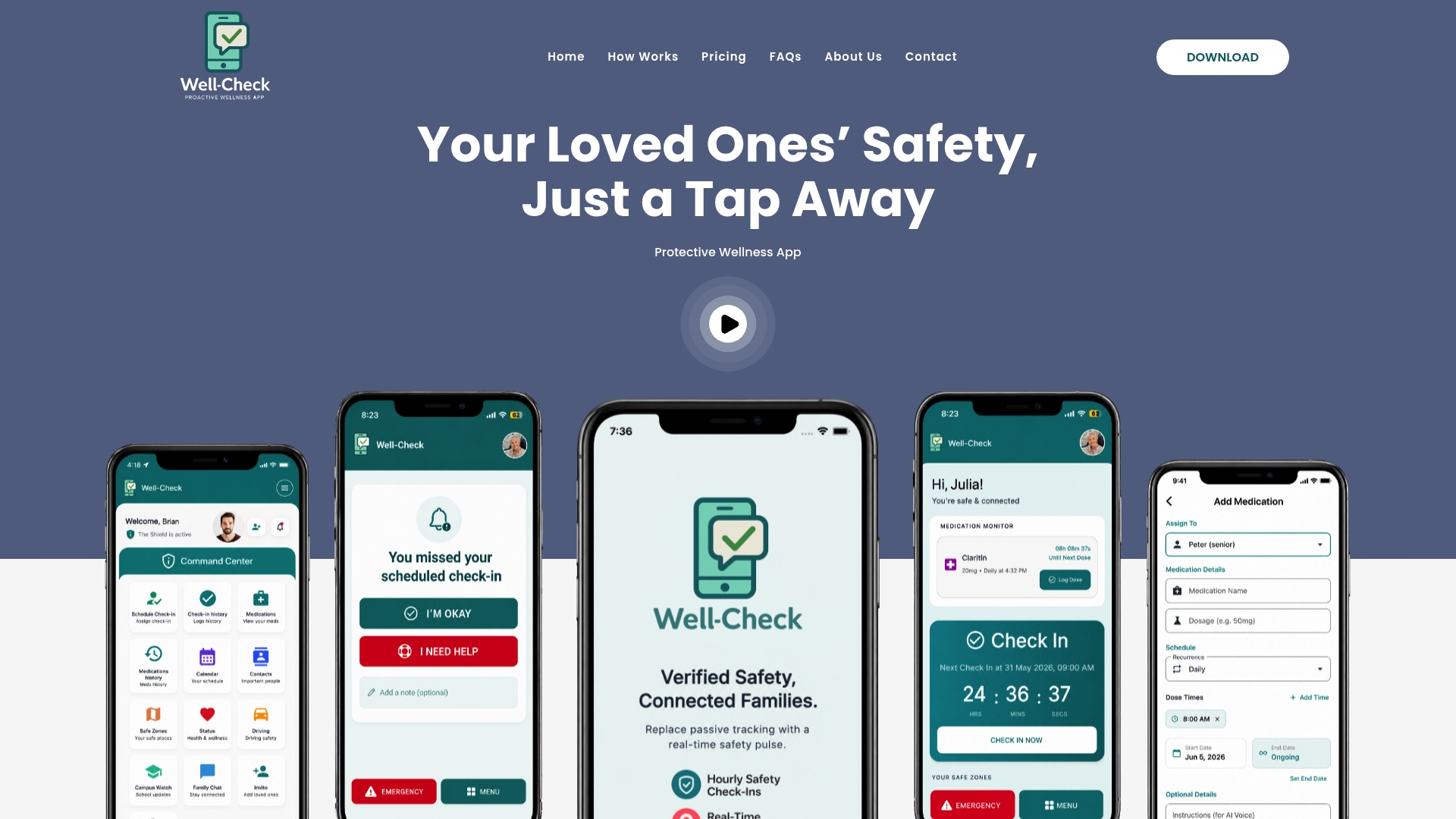
You can see exactly how Well-Check works before committing to anything, including the missed-check escalation logic explained in plain terms. If you want to see the interface in action first, the demo walkthrough shows the one-tap check-in and caregiver dashboard side by side.
Setting up an emergency contact network takes a few minutes, and every plan supports unlimited check-ins so you’re never rationing how often you confirm someone’s okay. Compare the subscription tiers for individuals, families, and organizations, and start a trial today to see whether the daily rhythm fits how your family already communicates.
Sources
- Smart home technologies for ageing in place: a systematic review
- Exploring caregiver challenges, digital health technologies, and healthcare support: a qualitative study
- Family caregiver readiness to adopt smart home technology to monitor care—Dependent older adults: A qualitative exploratory study
- A scoping review of integrated smart home technology supporting older adults and people with disabilities